
01Retail and shopping centres
A fast network at the point of sale, guest Wi-Fi for shoppers, and cameras and displays on their own segment so a busy Saturday never slows the register.

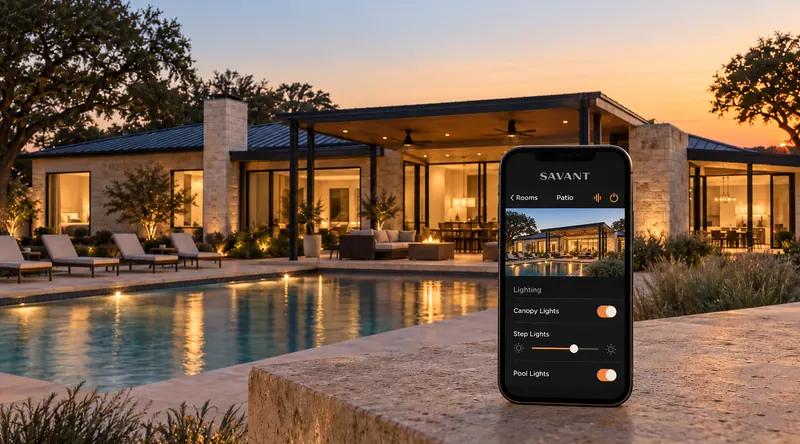
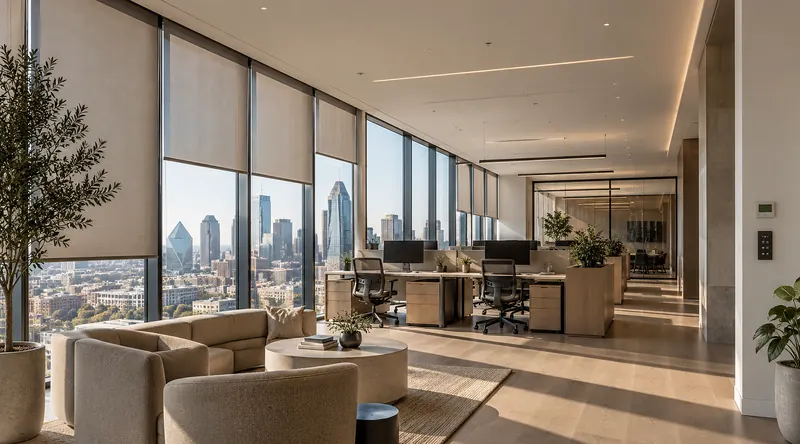
Full-coverage secure Wi-Fi, guest networks, a fast point of sale and hardwired critical devices, built for the demands of a business rather than a living room.
// Built for
A fast network at the point of sale, guest Wi-Fi for shoppers, and cameras and displays on their own segment so a busy Saturday never slows the register.

Orders, payments and music that never wait for the Wi-Fi, and guest access that stays separate from the business.
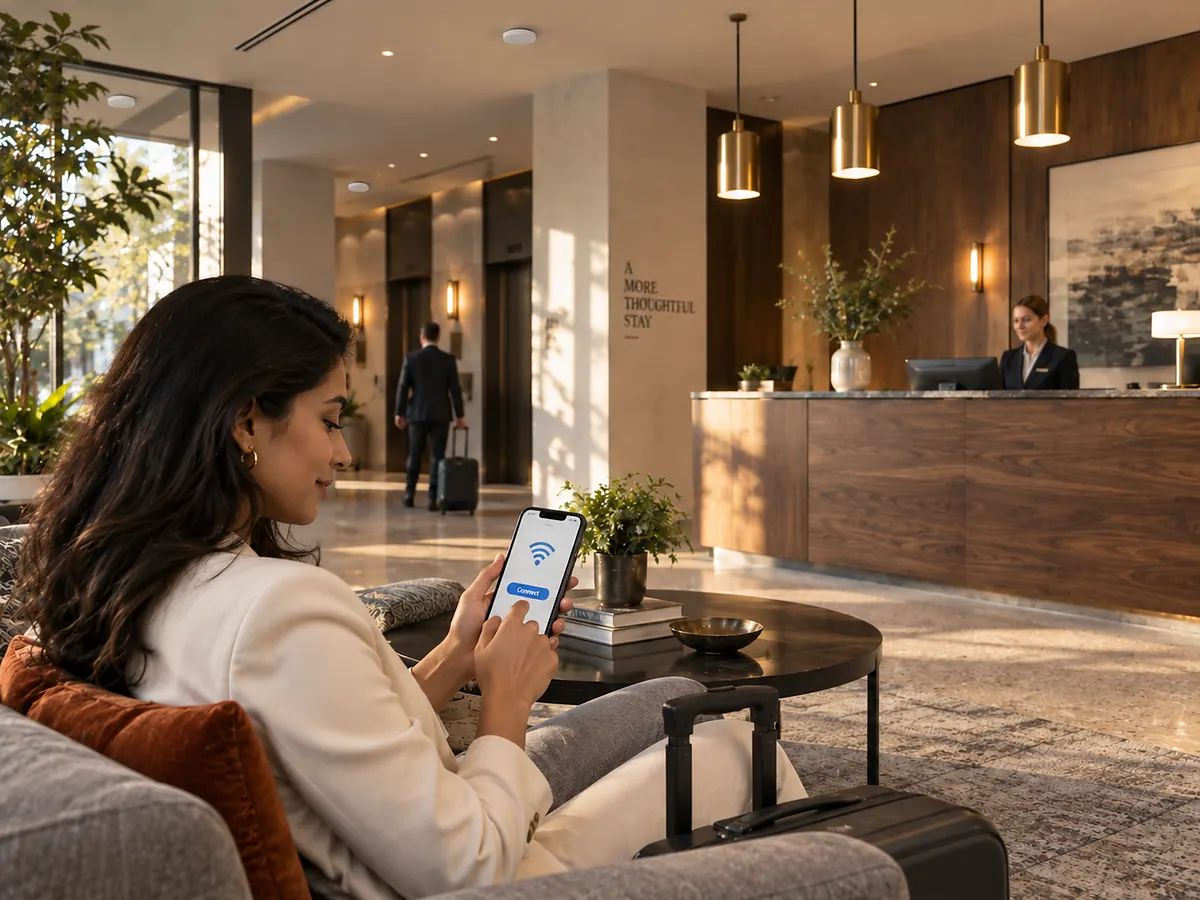
Full coverage for guests across the property, from the lobby to the pool deck, with the back of house on a secure network of its own.
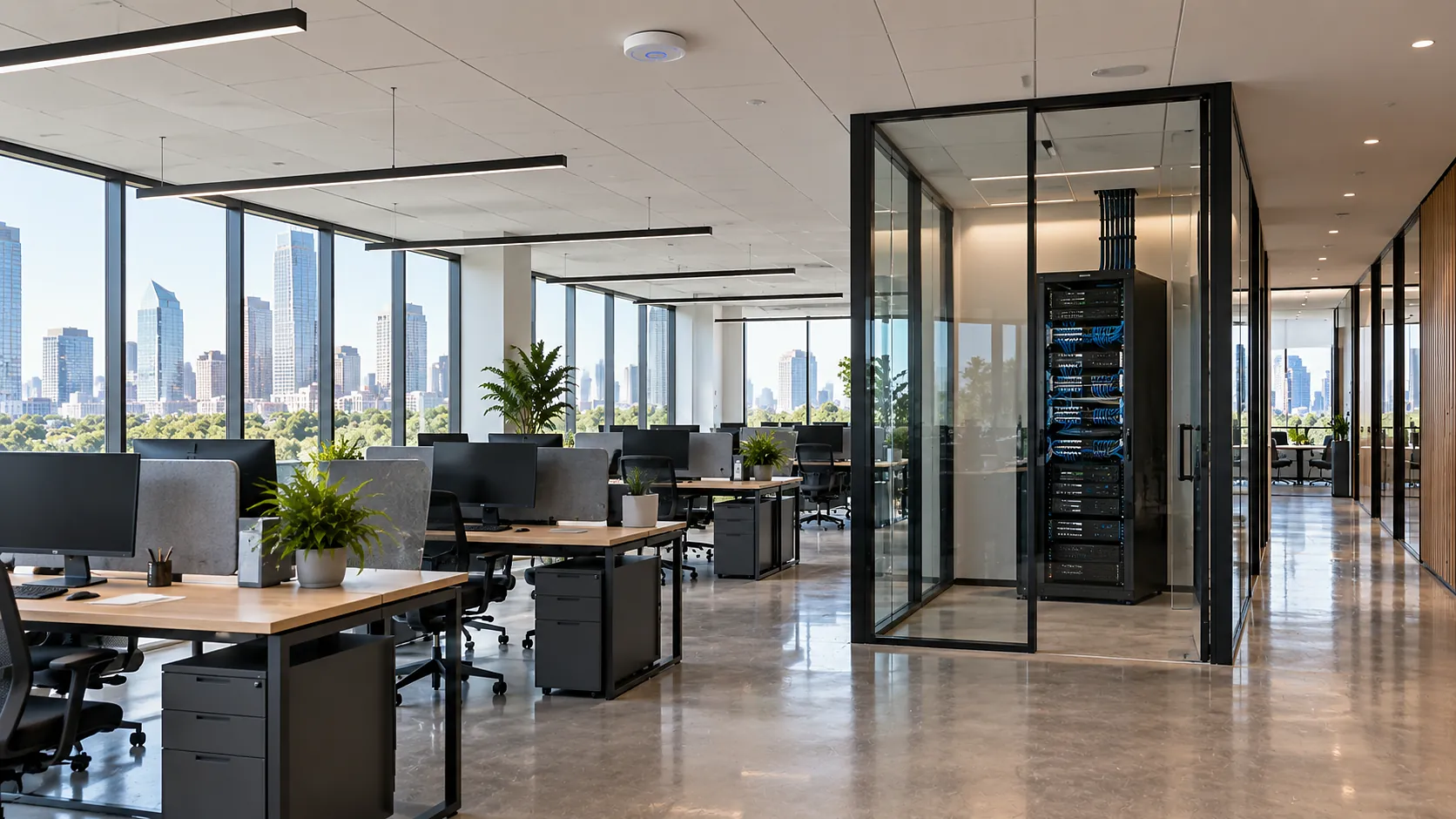
Hardwired workstations, reliable video calls in every room and secure access for visitors and tenants, managed remotely for IT.
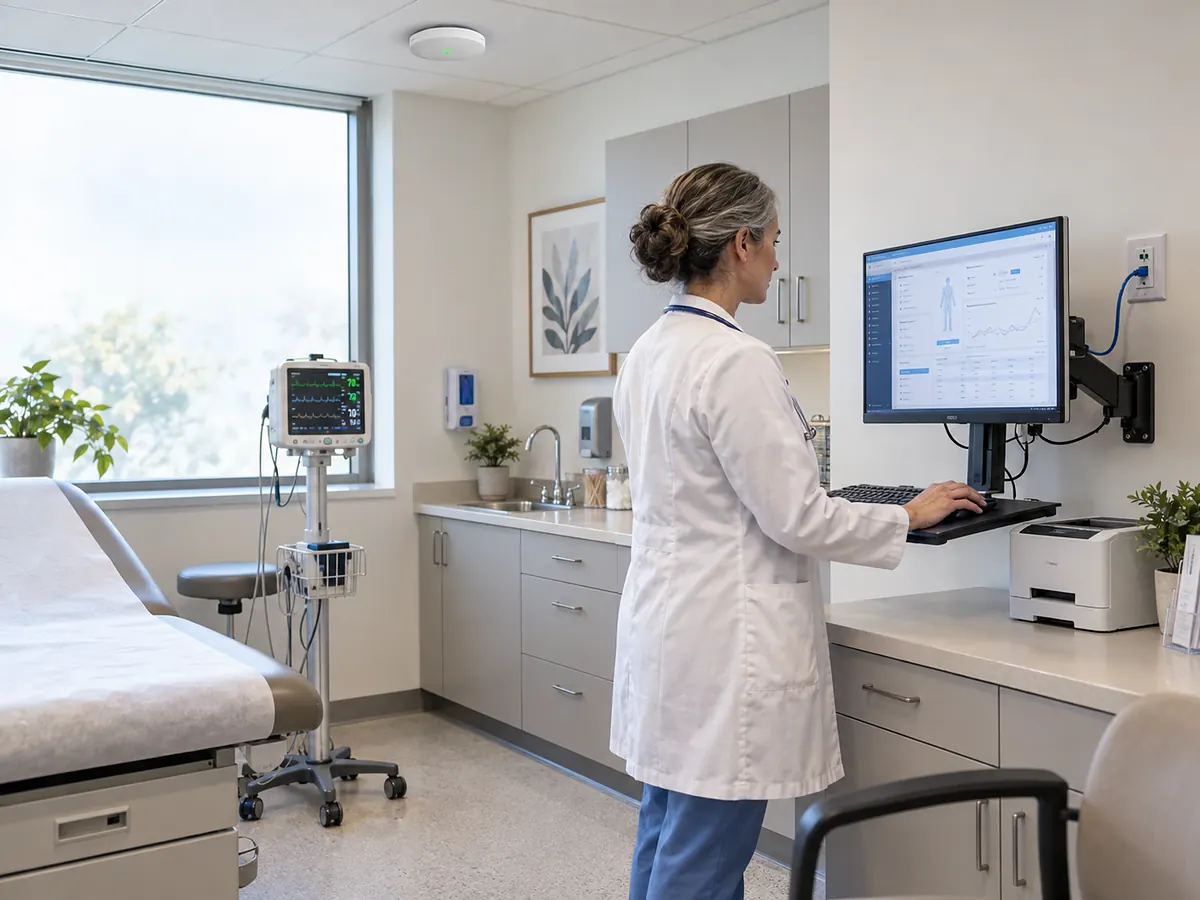
Secure networks for sensitive data and critical devices, with coverage in every room and every classroom.
// Scope of work
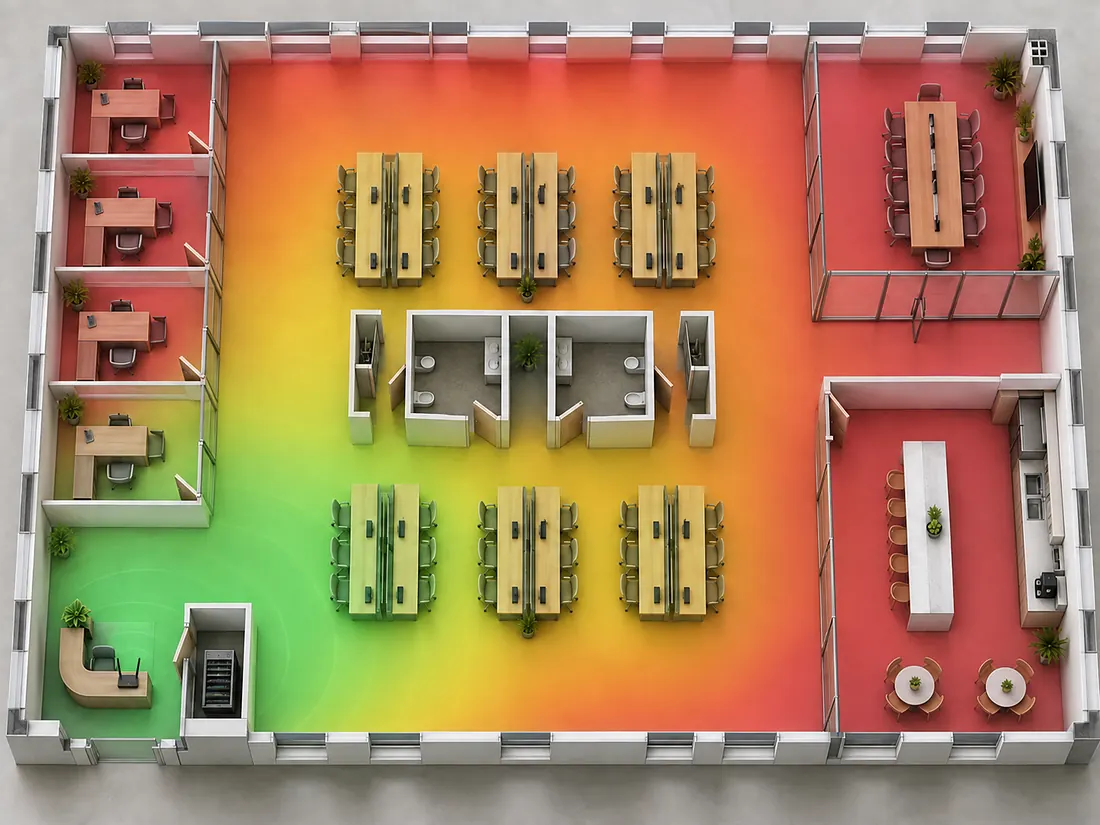
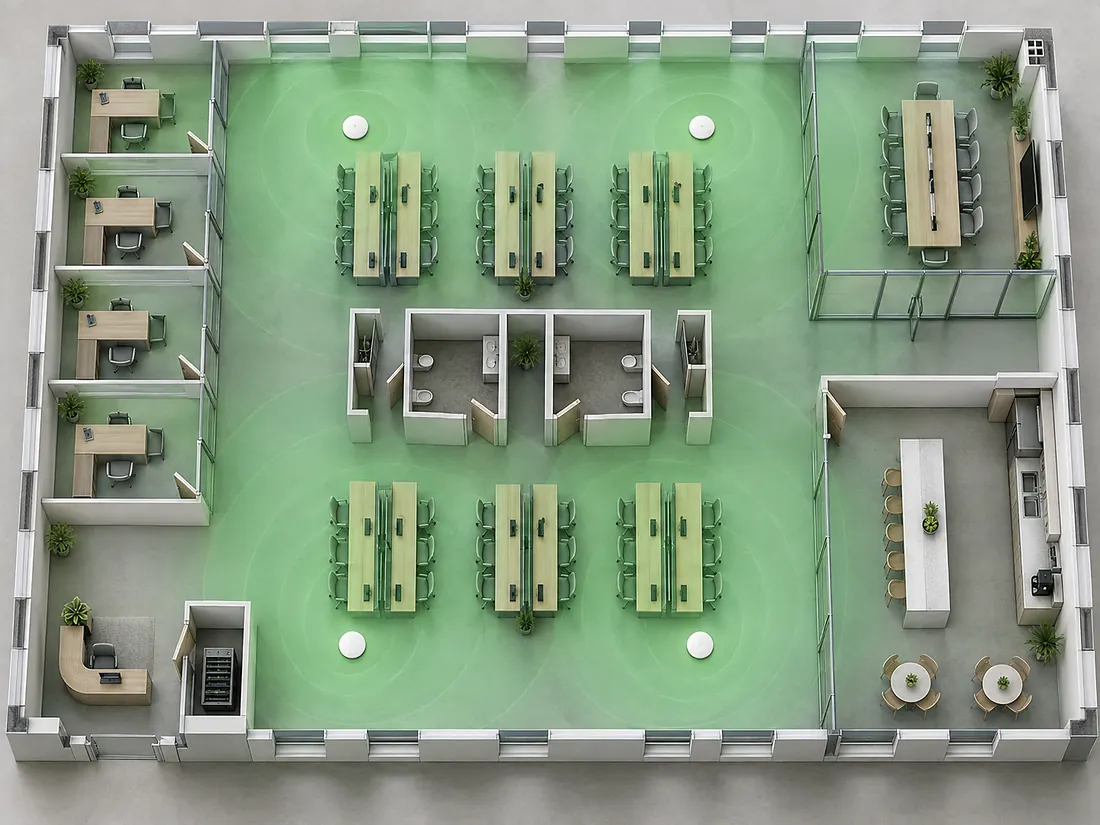 One routerDesigned coverage
Full-coverage, high-speed and secure Wi-Fi for all your business needs, with enterprise access points placed where they work, not where the router happened to be. Drag the slider to compare the same office on one router at reception and on four ceiling access points placed from a coverage design.
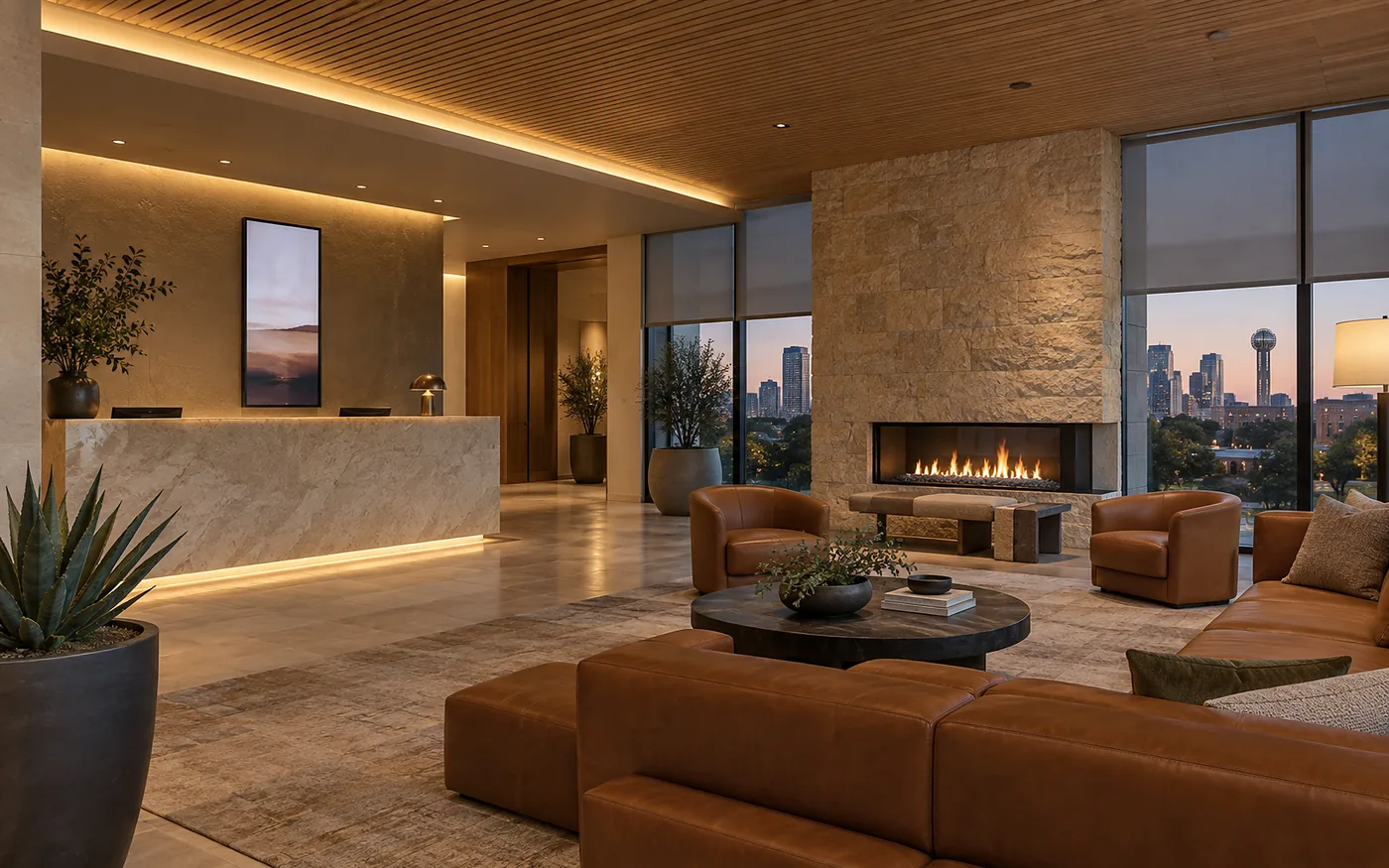
Clients and guests get a high-speed network for internet access, kept separate so your business network stays secure. Guests join through a login page with your logo instead of asking staff for a password, each guest device is isolated from the others and from the register and cameras, and bandwidth limits and hours keep the guest network from slowing down the business.
A fast, reliable network at the PoS so clients get the best checkout experience and payments never wait for the Wi-Fi. Registers and payment terminals run hardwired on their own segment, payment traffic gets priority over everything else on the network, and a backup internet connection can take over automatically so the register keeps working when the main line goes down.
Workstations, cameras, displays, phones and controllers on a hardwired backbone, so the wireless network is free for the devices that move. Cat6 or Cat6A structured cabling to every desk and device location, labelled outlets that match the patch panel, and PoE switches that power the cameras, access points and phones over the same cable.
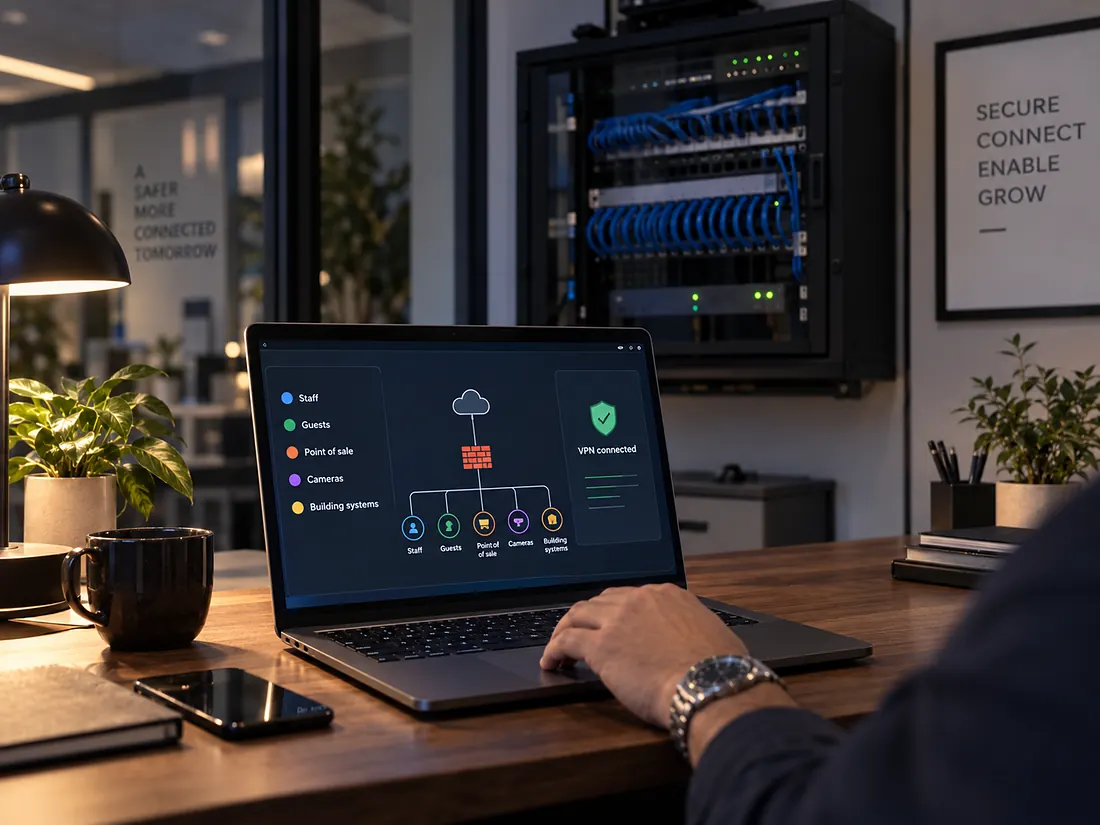
Security is not optional in a connected business. Staff, guests, point of sale, cameras and building systems each get their own network segment, so a problem on one cannot reach the others. A business-grade firewall with content filtering sits in front of everything, remote access for you and your IT runs through a VPN rather than an open port, and staff Wi-Fi uses enterprise authentication instead of one shared password that never changes.
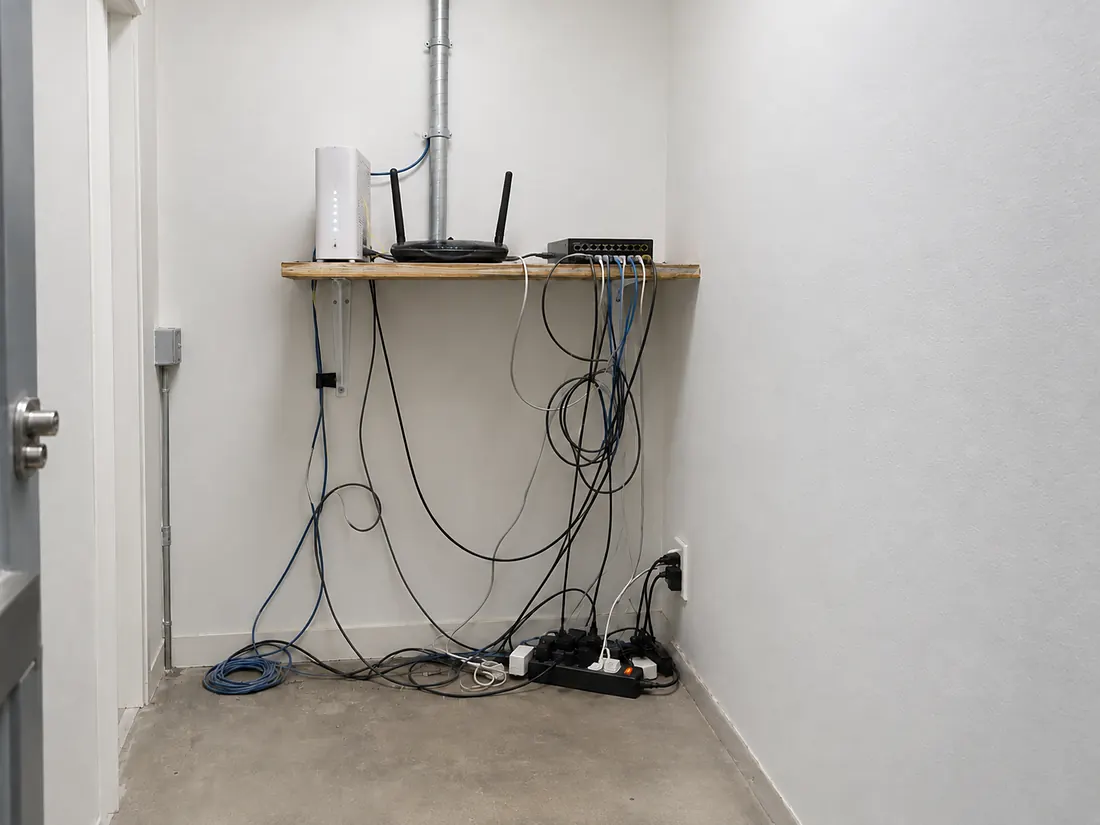
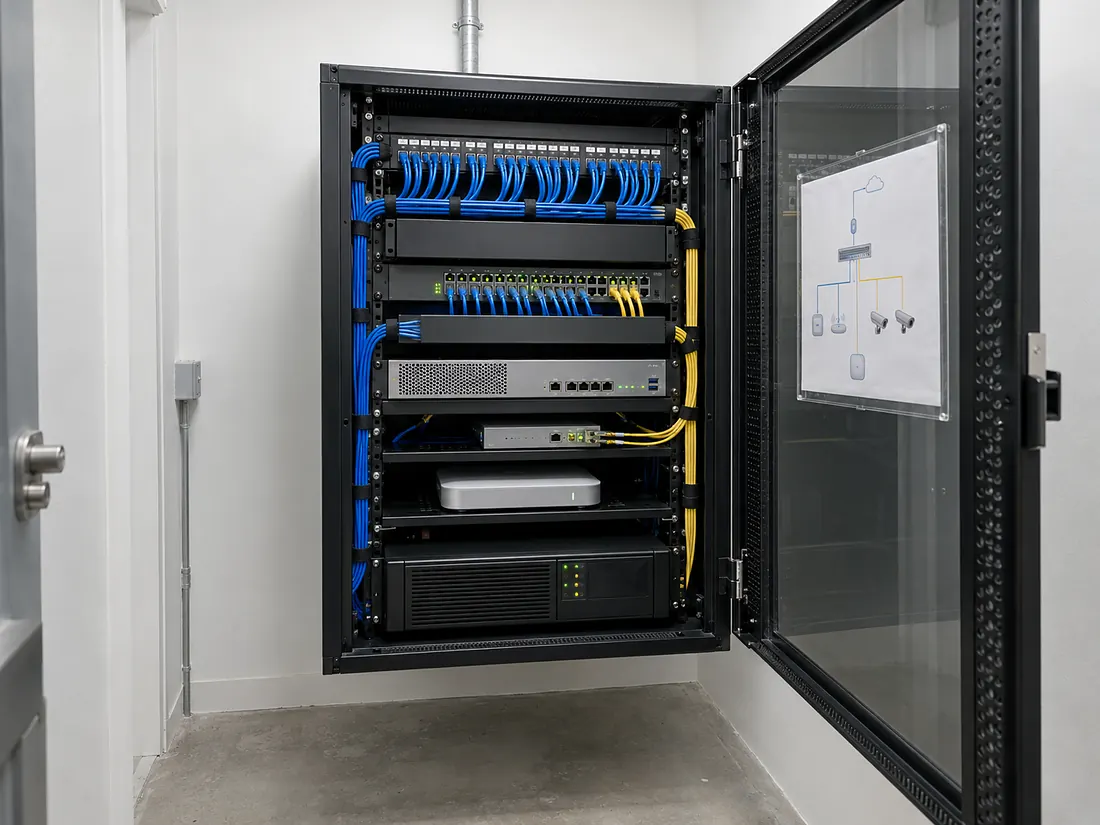 BeforeAfter
Labelled, documented infrastructure and remote management, so problems are seen and often fixed before you notice them. Drag the slider to see the same closet the way we usually find it and the way we hand it over: a ventilated rack, a labelled patch panel, colour-coded cables, a managed switch, a firewall, a UPS and the network diagram inside the door.
// How a project runs
The same people run consultation, design, installation, training and support. You get one contact, one drawing set and one number to call.
// 01
We walk the space, or read the drawings, and listen to how the business runs.
// 02
Rooms, headcount, platforms, hours of operation, growth plans and budget, written down.
// 03
Drawings, equipment schedule and a low-voltage plan your contractor can build from.
// 04
Our own crew installs, configures and programs, around your opening hours.
// 05
Your staff learn the system before handover. One page of instructions, not a manual.
// 06
24-hour phone support, remote monitoring and same-day emergency service.
// Why WH Technologies




I had WH Technologies design, plan, and completely re-cable my home for a new Ethernet network. My old cabling was a total mess. Danny brought his team and did the most fantastic job I could ever imagine.
John Muscarella, Google reviewJohann was great! He has the technical skills and knowledge to be effective. He understood my home electronics issues (Wi-Fi and TVs) and easily resolved them. The process was simple yet comprehensive. I highly recommend him.
James Berg, Google review// Across Dallas-Fort Worth
Every system a business runs on today, from the register to the cameras, depends on the network underneath it. As a commercial networking company based in Allen, we design and install Wi-Fi and wired networks across Dallas-Fort Worth, whether that is an office in Uptown or Las Colinas, a restaurant in Plano or Frisco, a store in Southlake or a hotel in Dallas or Fort Worth.
The network is designed together with the cameras, the conference rooms and the building automation it has to carry. We plan wiring and equipment locations with your contractor before the walls close, and our team remains available afterwards for remote management and support.
Enterprise Wi-Fi and network installation for Dallas and DFW retail, restaurants, hotels, offices, medical practices and schools, designed and managed by one team from Allen.
A site visit or a set of drawings, a needs analysis with your hours and growth plans, a design your contractor can build from, installation around your opening hours, staff training and ongoing remote support.
Enterprise access points, switches and firewalls from brands such as Ruckus, Access Networks and Ubiquiti, structured cabling, ventilated racks and remote monitoring.
Consumer-grade routers are not designed for the demands of a commercial environment: many devices, guests, payments and cameras at once. A commercial network is built for reliability, coverage and performance.
Yes. Guest Wi-Fi gives clients high-speed internet access while your business network stays separate and secure.
Yes. We assess equipment placement, upgrade infrastructure where needed, plan access points and reconfigure the network, without a remodel in most cases.
Workstations, cameras, displays, phones, controllers and anything that does not move. It keeps the wireless network free for the devices that do.
Yes. Remote monitoring and management, 24-hour phone support and same-day emergency service, delivered by a dedicated aftercare team.
It does not have to. Cabling and rack work are scheduled around your opening hours, and the switch from the old network to the new one is usually done in one evening or overnight, so staff arrive to a working network.
Enterprise access points, switches and firewalls from brands such as Ruckus, Access Networks and Ubiquiti, chosen for the size of the space and the number of devices, with structured cabling and a ventilated rack. We install what fits the building, not one brand for every job.
The local network keeps running, so the point of sale, cameras, phones and building systems still talk to each other. Where the internet itself is critical, a backup connection can take over automatically until the main line is back.
Yes. Each location gets the same design and the same standard, and all of them are managed and monitored from one platform, so a change or a fix is made once and applies everywhere.
// Start here
A site visit is enough. We come back with a coverage design, a wiring plan and one number to call.
// Useful to have ready