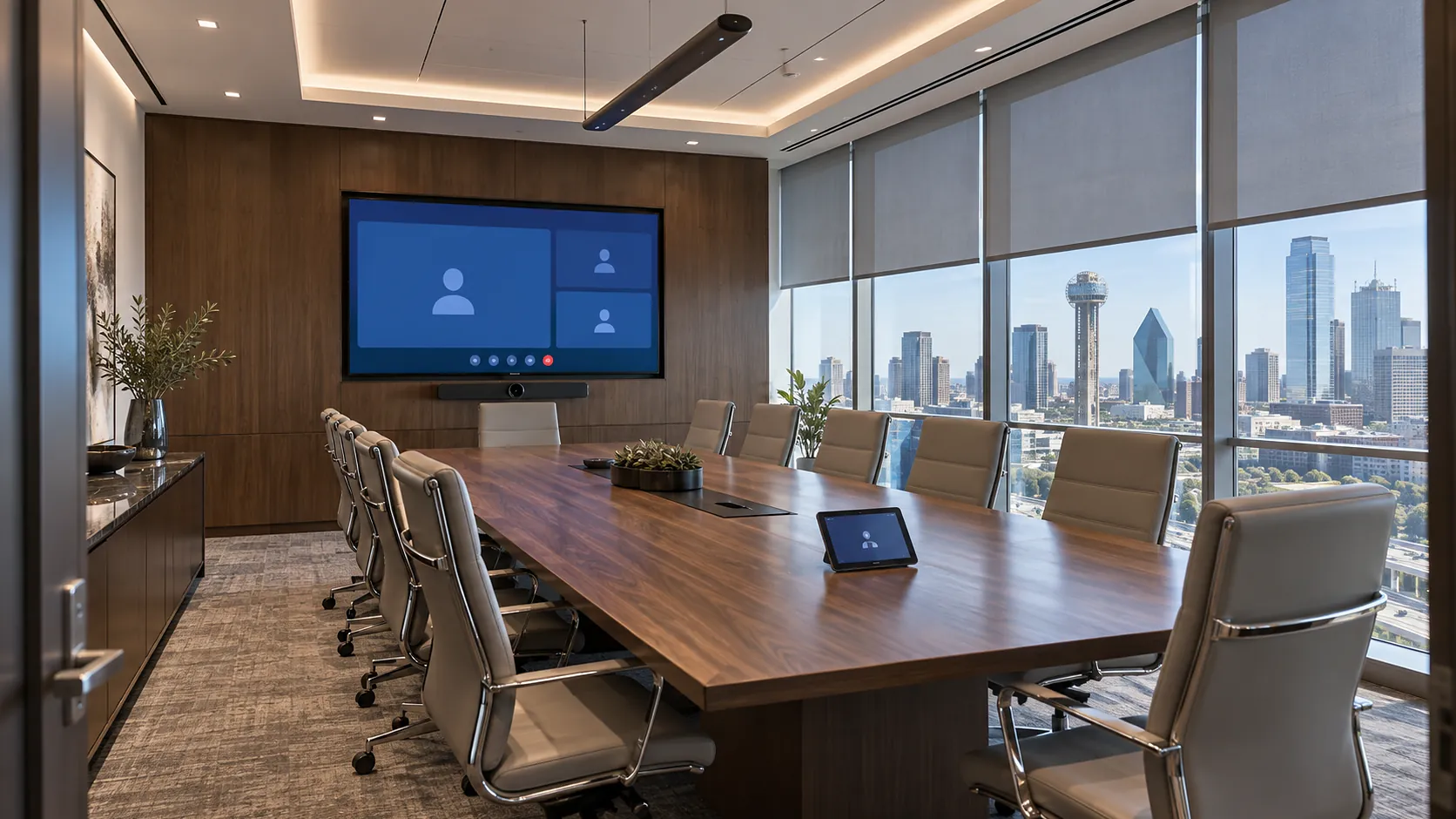
01Executive boardrooms
The client walks in, the display is already on the agenda, the shades are down against the glare and the call starts with one touch. The room reflects the same polish as the brand.

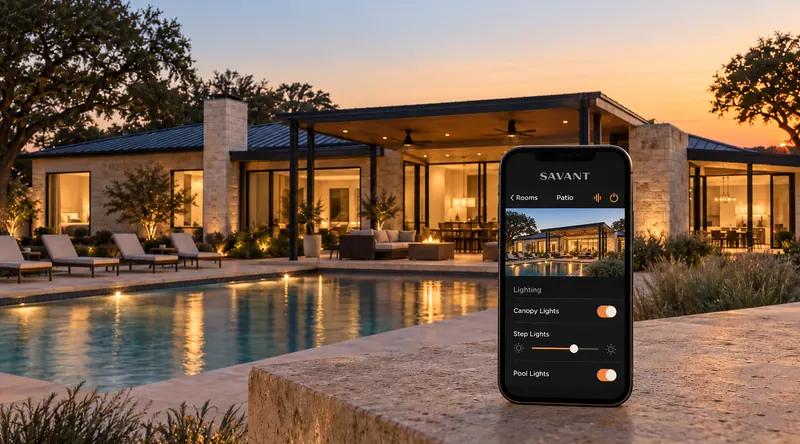
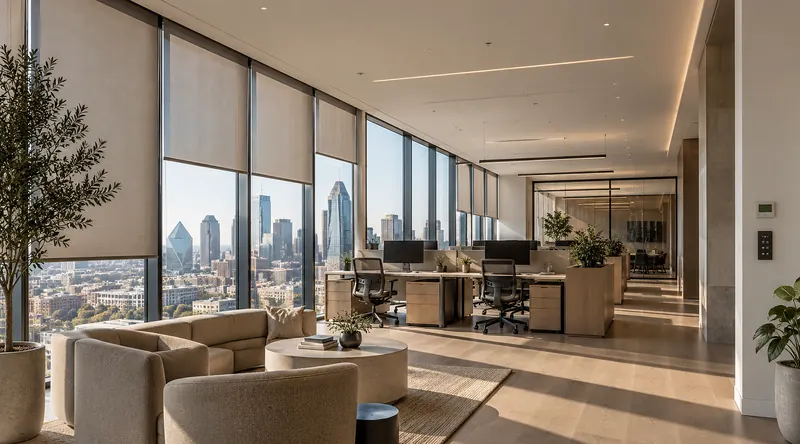
Zoom, Microsoft Teams and Google Meet built into the room, one touch to start, audio every remote participant can follow, and shades and lighting that take the glare off the screen.
// Built for
The client walks in, the display is already on the agenda, the shades are down against the glare and the call starts with one touch. The room reflects the same polish as the brand.
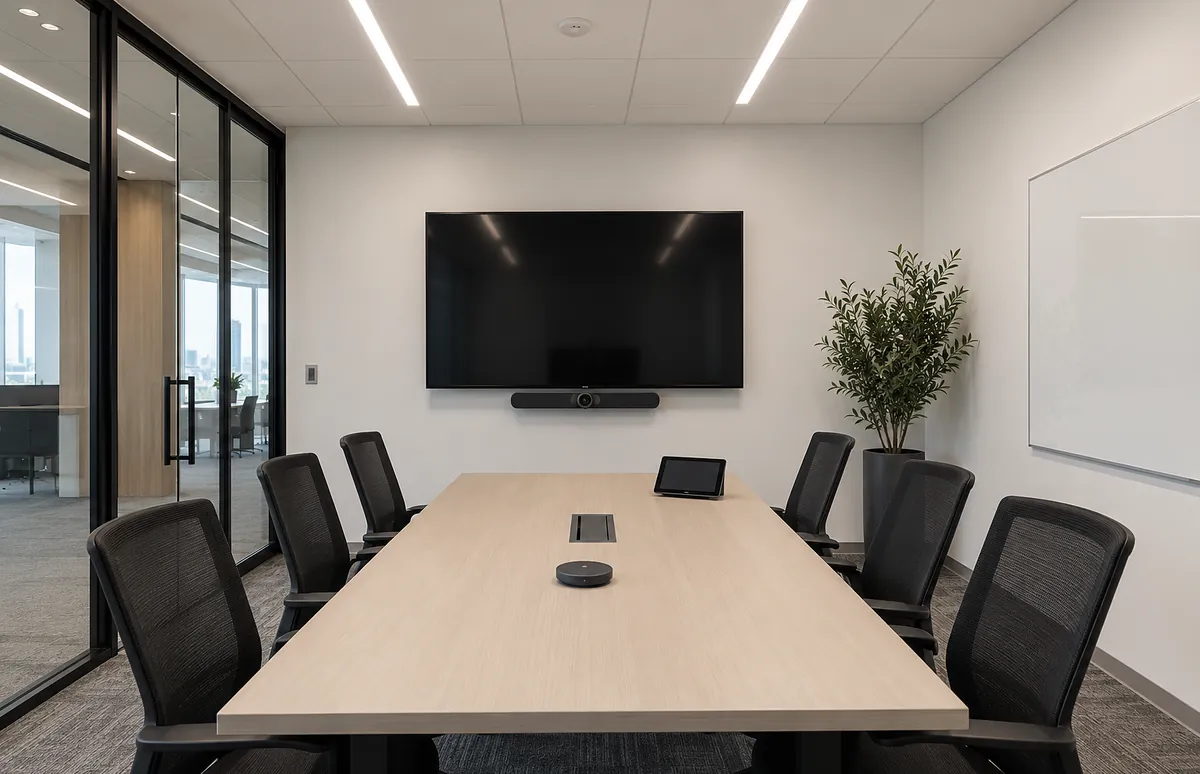
Reliable hybrid meetings every hour of the day, on the platform your team already uses, with the same experience in every room on the floor.
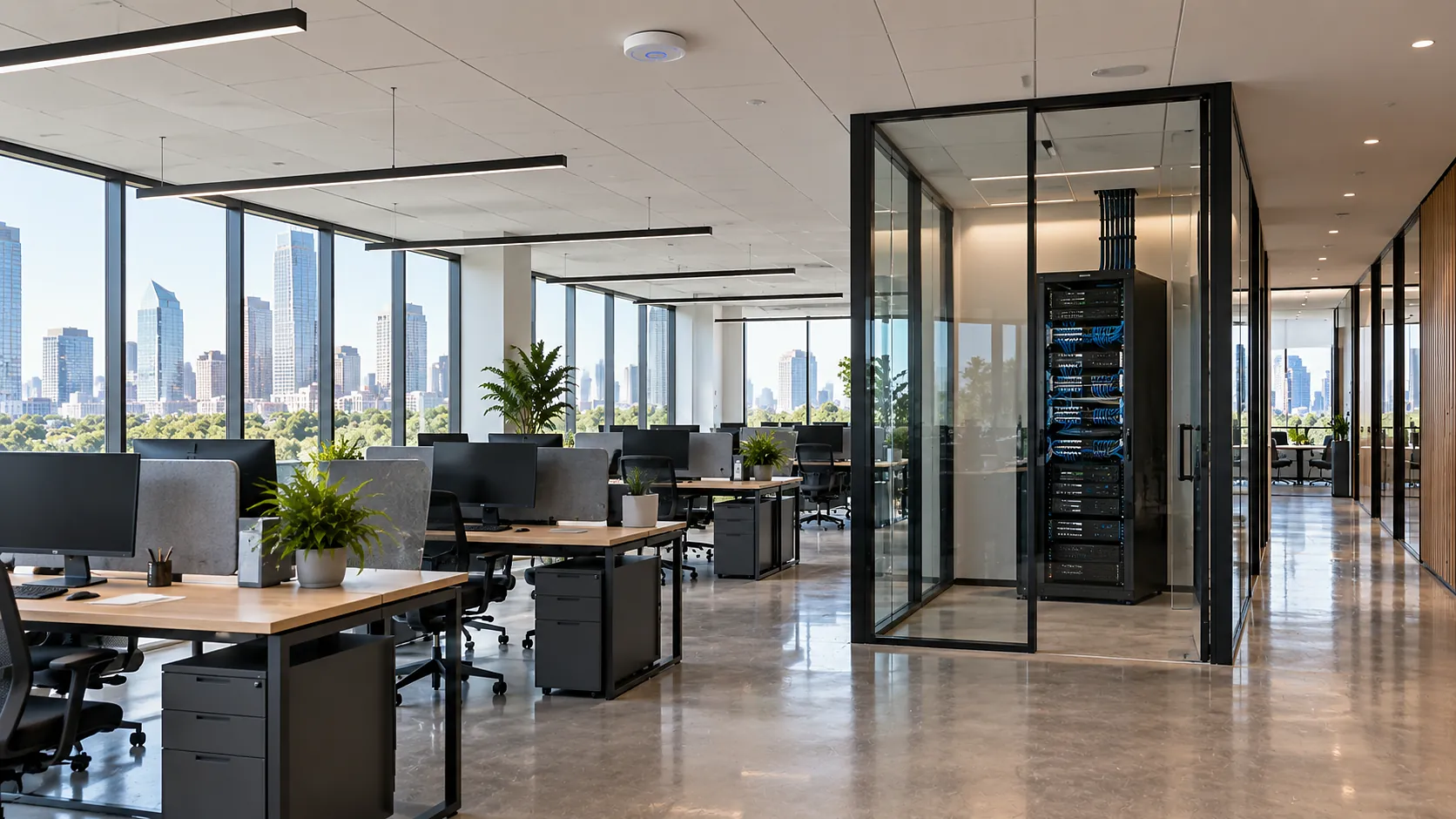
Small rooms with the same one-touch experience, so an ad-hoc call does not become a search for a cable or a dongle.
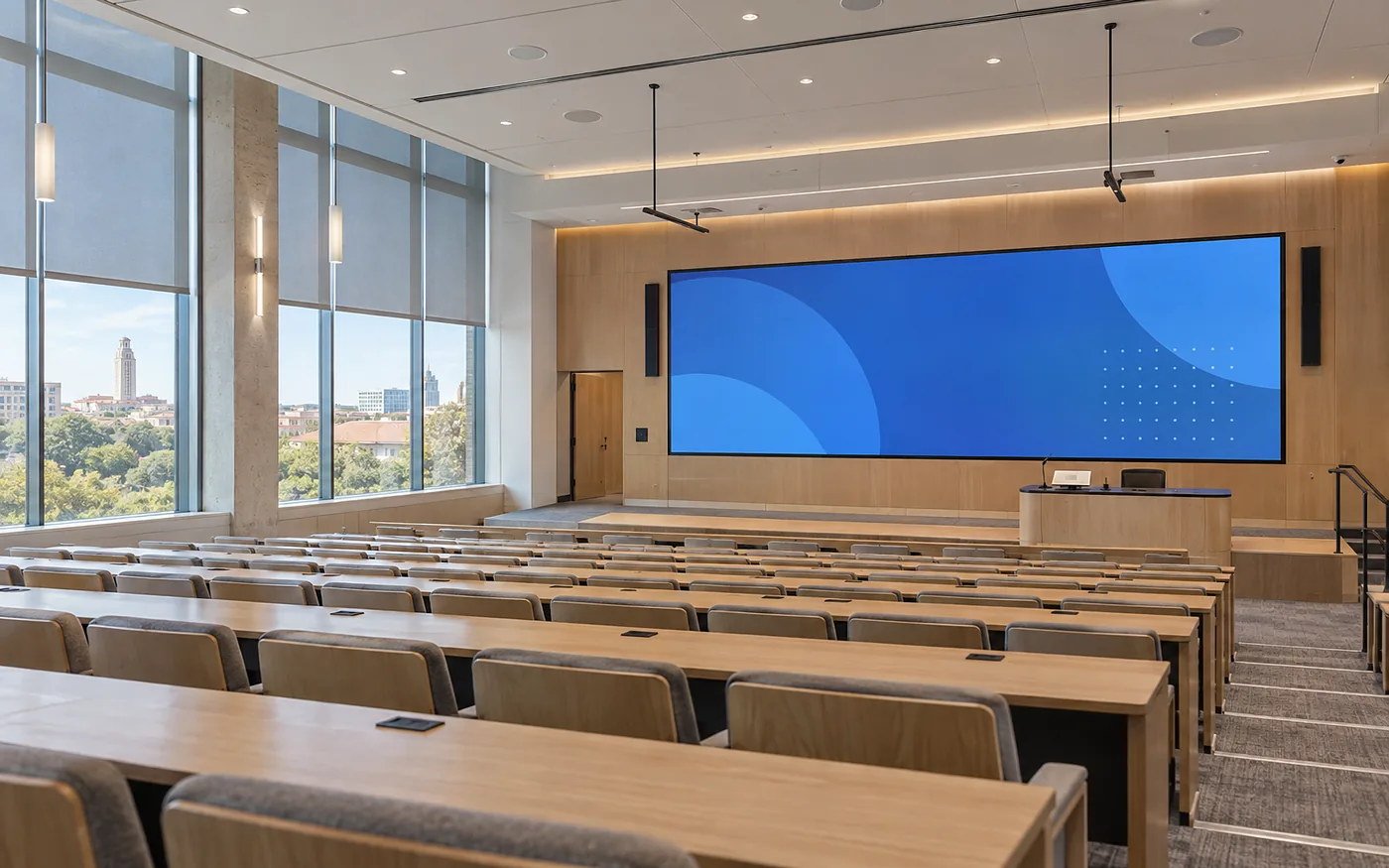
A large LED wall or projection, ceiling microphones that pick up every question in the room, and audio the remote half of the company can follow.
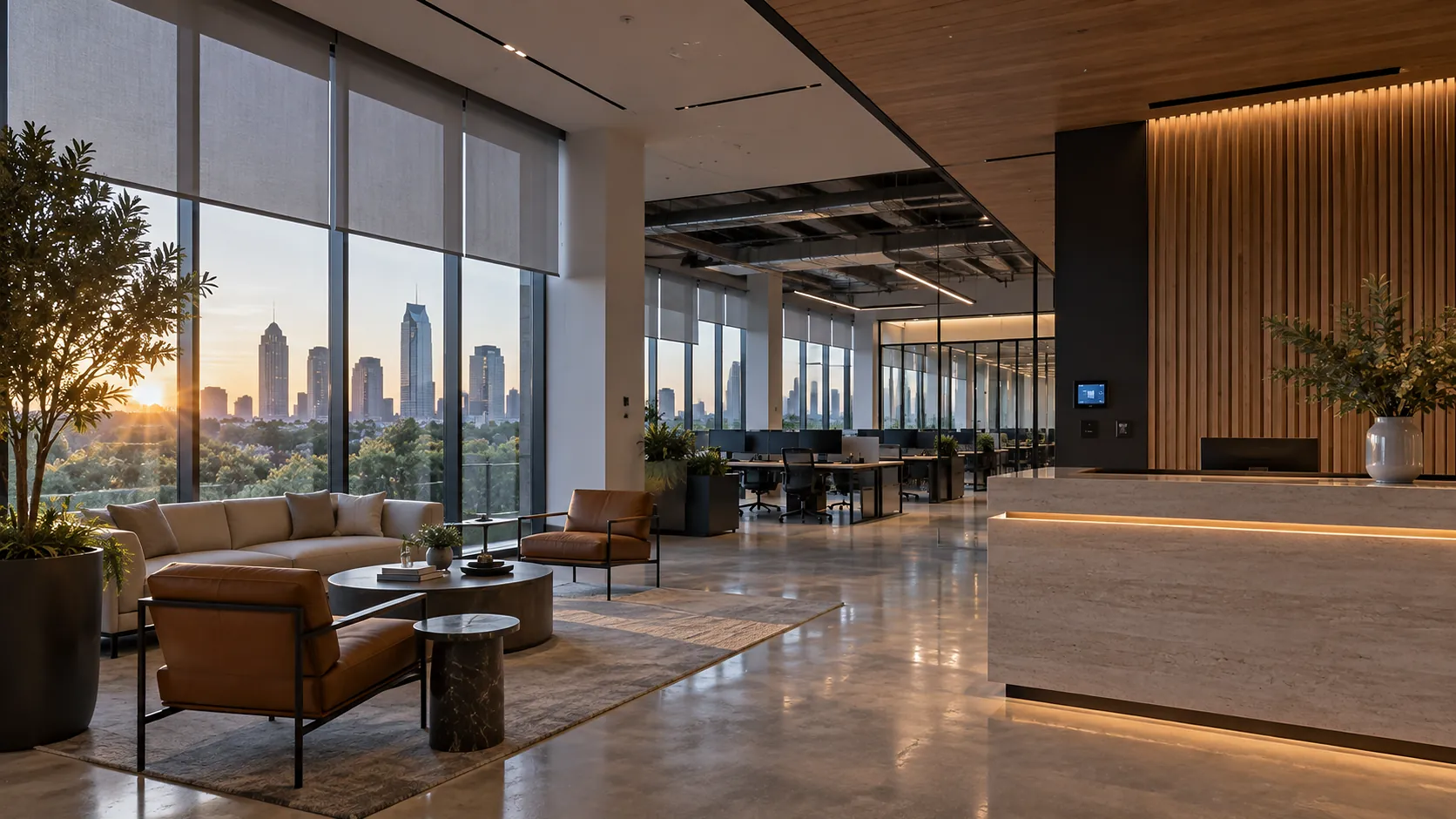
Consistent rooms across a floor or a portfolio of offices, managed centrally by IT, with one standard and one number to call.
// Scope of work
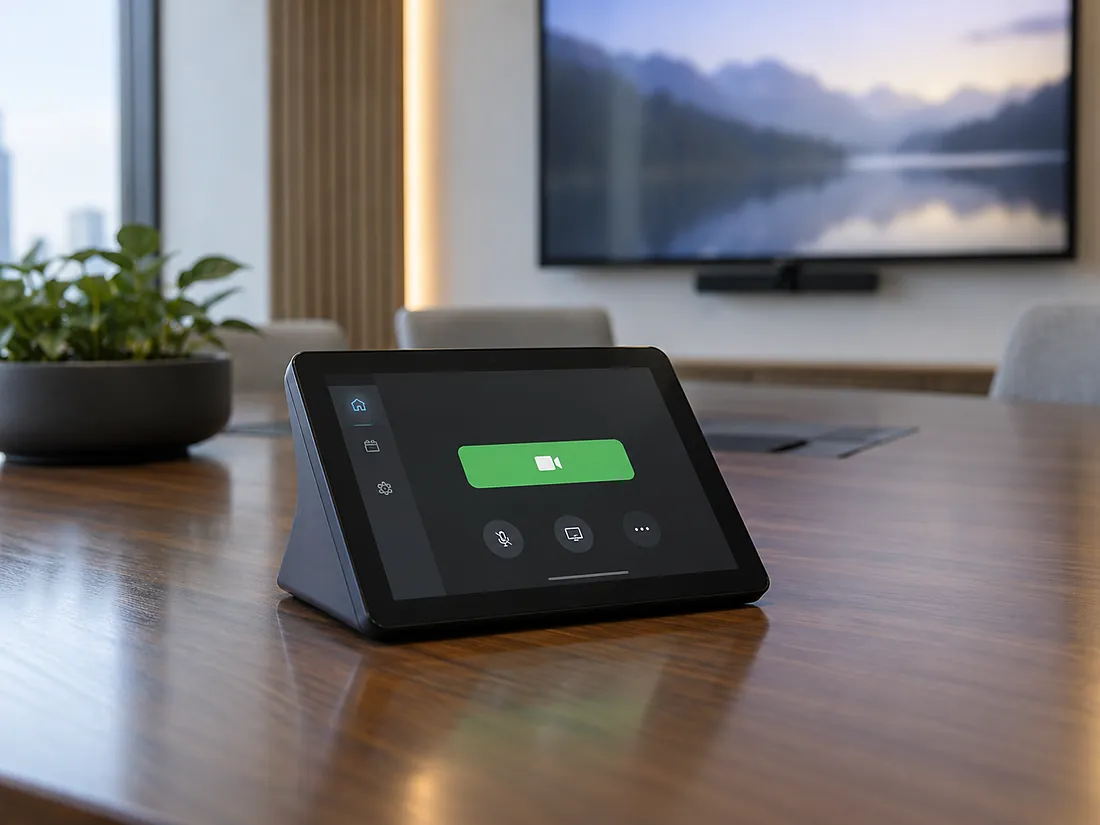
The room runs the platform your company already uses, as a native room system rather than a laptop on a cart. The meeting on the calendar shows up on the controller, one touch joins it, and the camera, microphones and display are already set for the room.
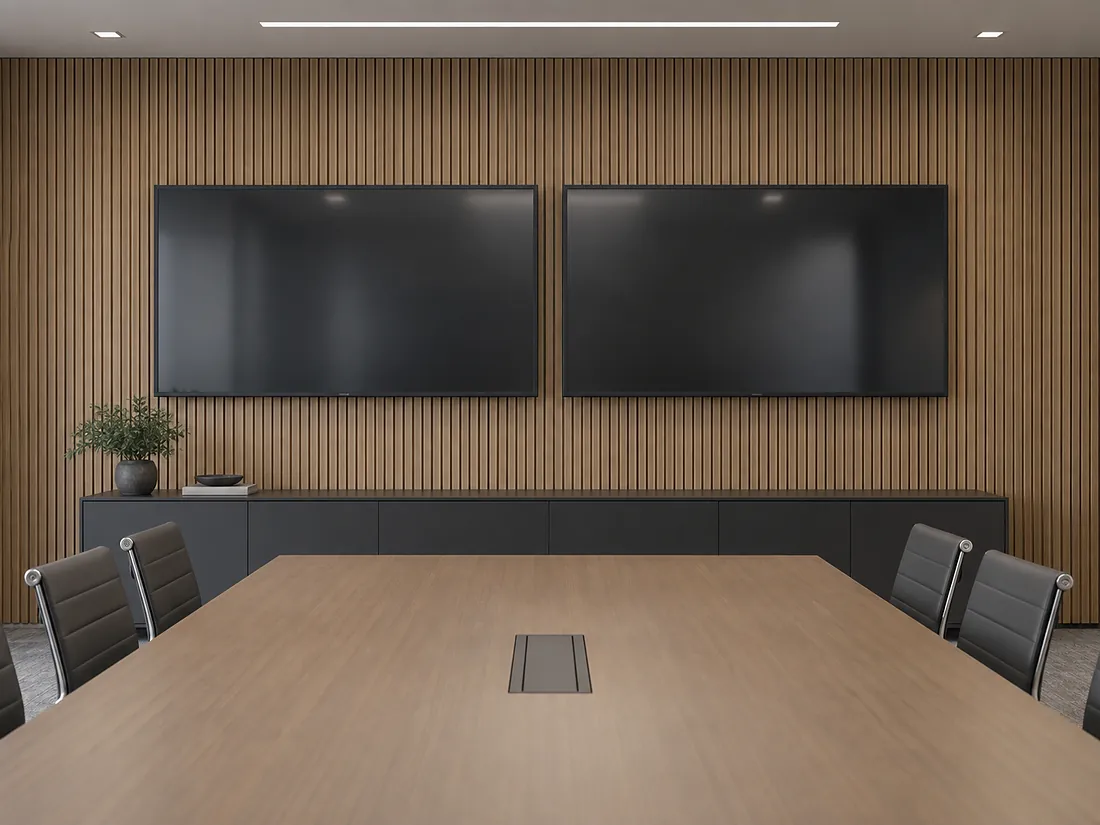
A high-performance projector and screen, an LED wall or one or two displays sized so every participant, at the table and at the back, reads the content and sees the remote faces. Dual displays keep people and content on separate screens.
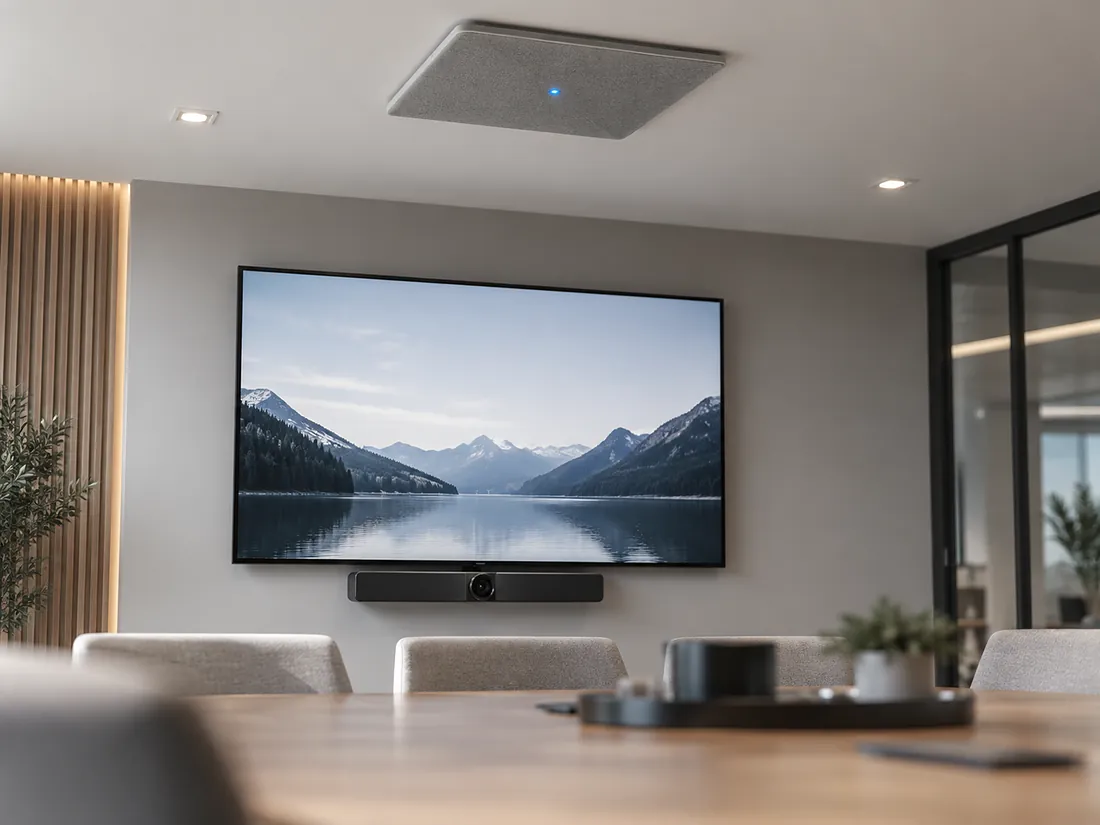
An auto-framing camera under the display follows whoever is speaking. Ceiling microphone arrays pick up the whole table without a puck in front of every seat, with echo control and acoustic treatment tuned so the remote side hears one clear voice, not a room.
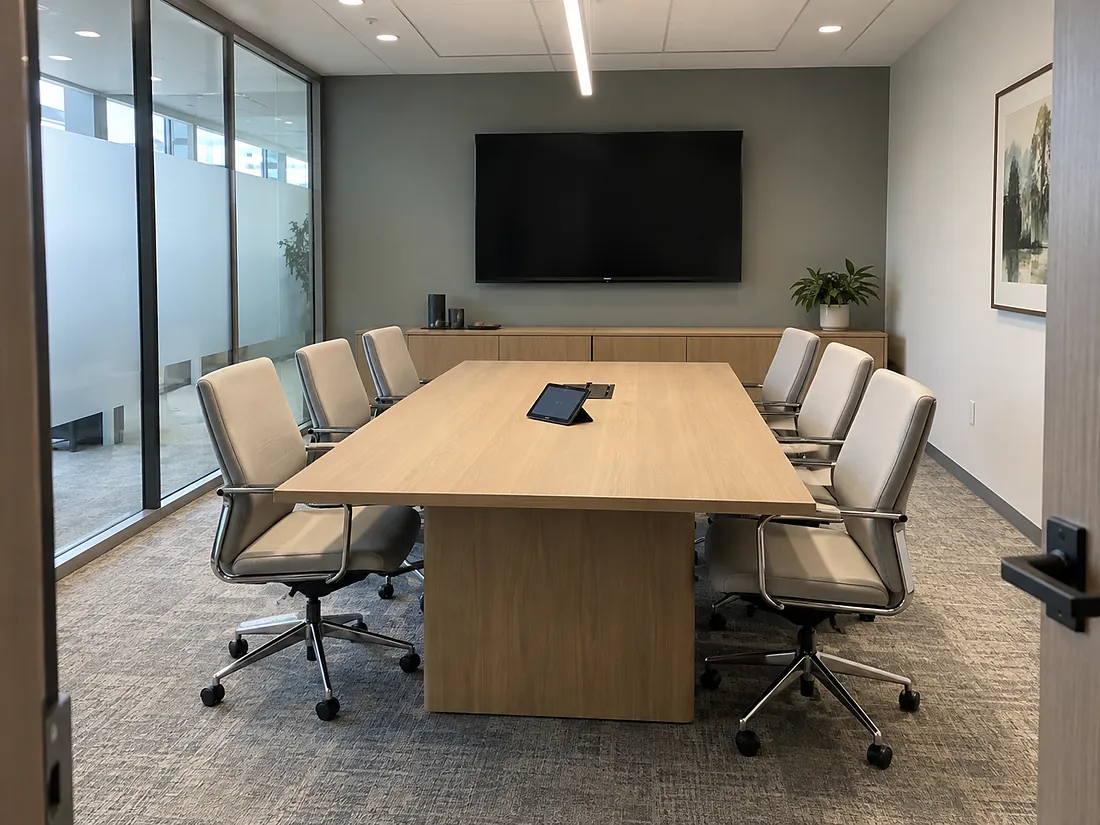
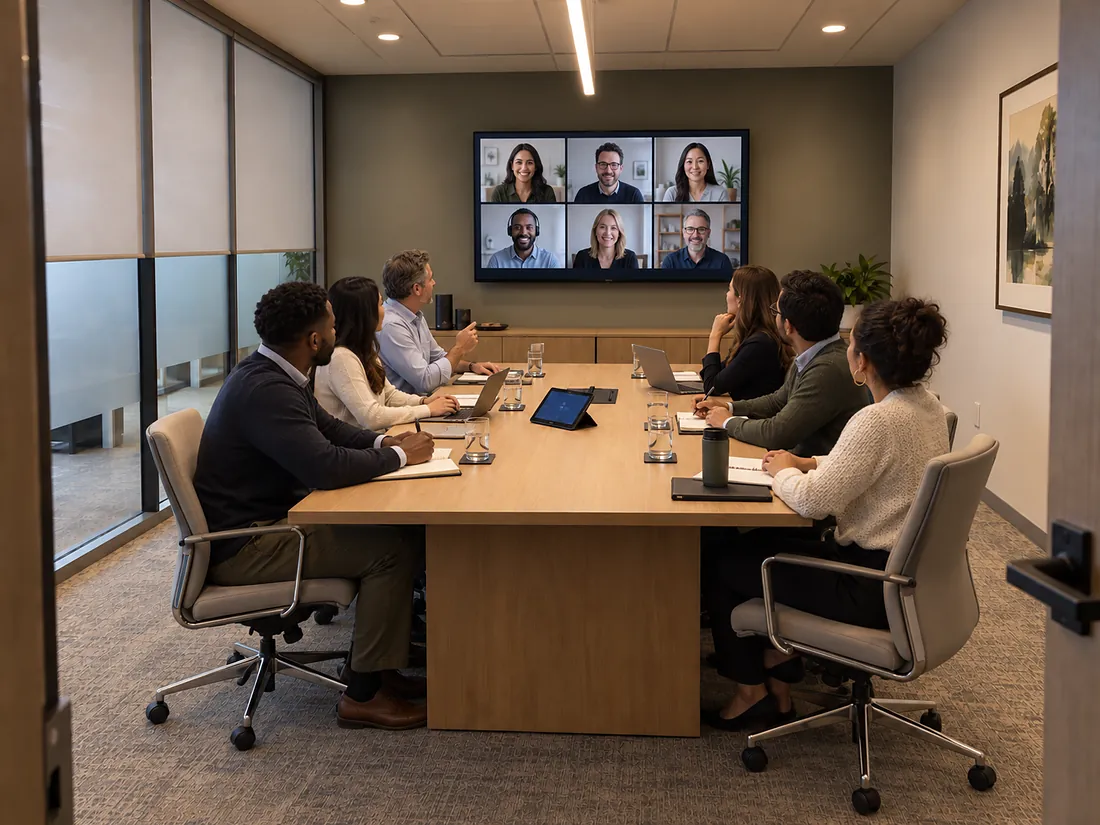
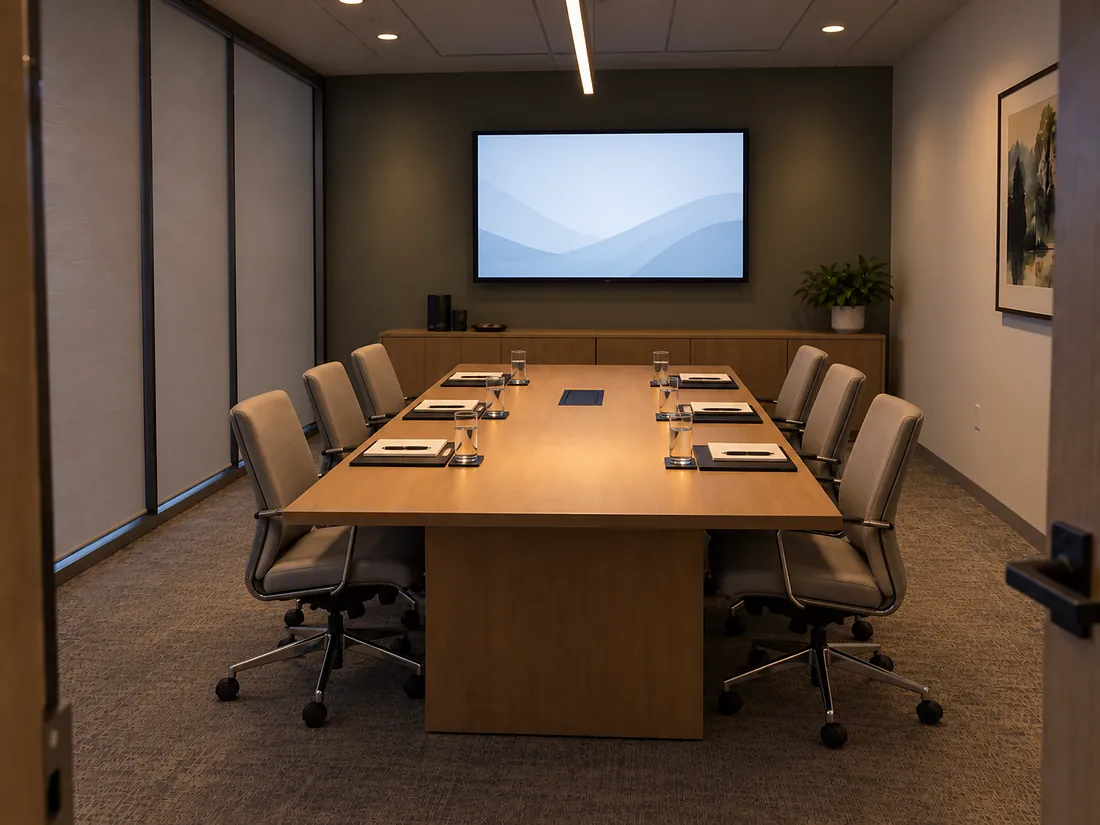
Between meetings the display sleeps, the shades are open and the lights are on a neutral daytime scene. The room resets itself after every booking.
One press on the table controller starts the meeting, wakes the display, lowers the shades and sets the lighting scene. Another press switches to presentation, and End restores the room for the next group. Tap the states to see the same room change.
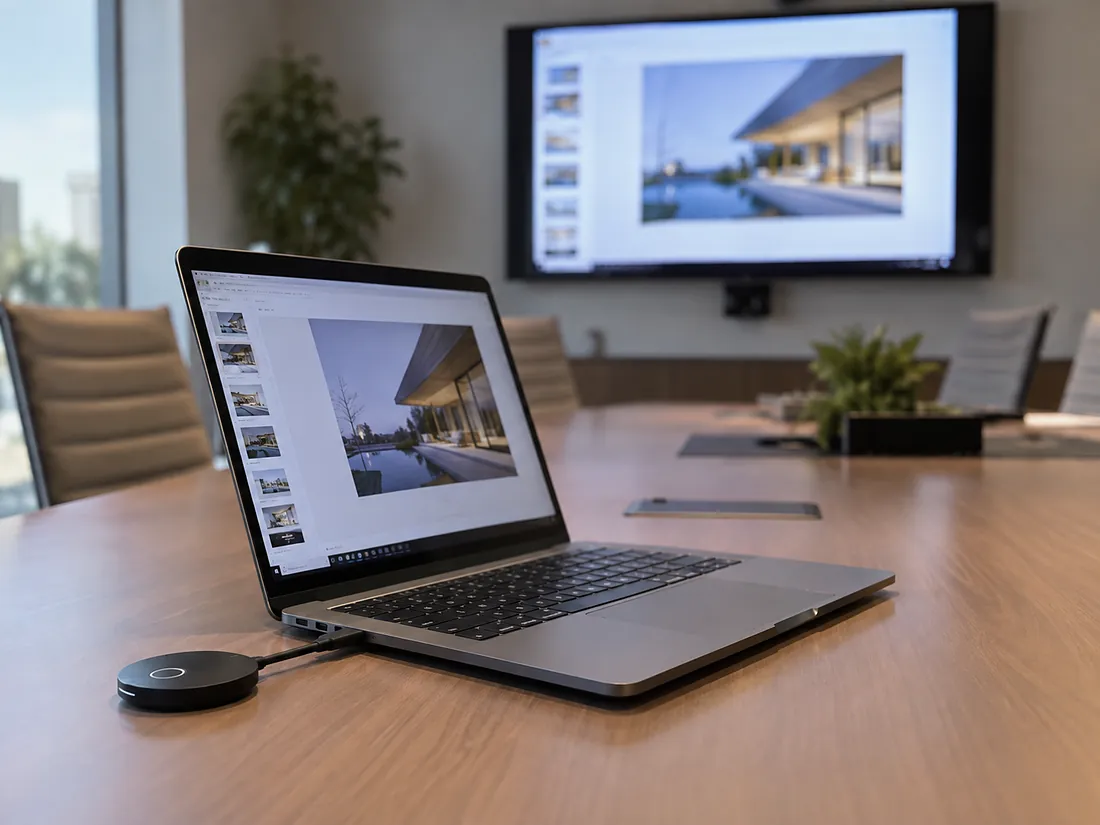
Anyone can present from their own laptop, tablet or phone without a cable: plug in a small wireless button or connect through the platform, and the screen mirrors in seconds. Visitors present as easily as staff, on a guest network that never touches yours.
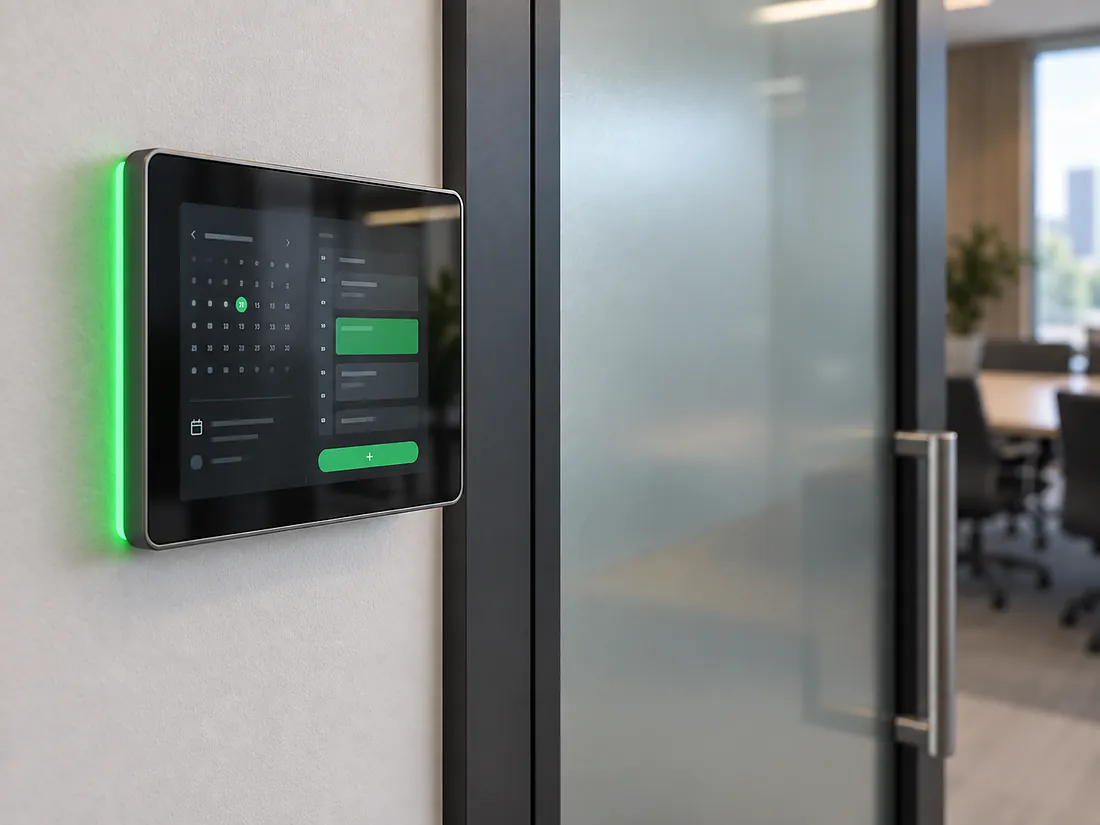
A scheduling panel beside the door shows green when the room is free and lets people book on the spot, synced with Outlook or Google Calendar. Every room system sits on a hardwired network with remote management, so IT sees the whole portfolio from one dashboard and we see it from ours.
// How a project runs
The same people run consultation, design, installation, training and support. You get one contact, one drawing set and one number to call.
// 01
We walk the space, or read the drawings, and listen to how the business runs.
// 02
Rooms, headcount, platforms, hours of operation, growth plans and budget, written down.
// 03
Drawings, equipment schedule and a low-voltage plan your contractor can build from.
// 04
Our own crew installs, configures and programs, around your opening hours.
// 05
Your staff learn the system before handover. One page of instructions, not a manual.
// 06
24-hour phone support, remote monitoring and same-day emergency service.
// Why WH Technologies


WH Technologies did an amazing job installing my 70-inch TV! They were punctual, efficient, and very helpful, answering all my questions. I will be using them for all my future projects!
Megan Wolstein, Google reviewWorking with Johann and WH Technologies was great. Friendly, fast, and very knowledgeable.
Drew Mills, Google review// Across Dallas-Fort Worth
Hybrid meetings are the default in North Texas offices, and the room has to work every hour of the day. As a conference room AV company based in Allen, we design and install boardrooms, conference rooms and huddle spaces across Dallas-Fort Worth, whether that is a single boardroom in Uptown or Las Colinas, a floor of standardised rooms in Plano or Frisco, or a training room in Richardson or Fort Worth.
Rooms run on the same control as the lighting, shades and network, and they can be part of a wider building automation platform. IT gets central management and documentation, and our team remains available afterwards for remote support and same-day service.
Boardroom and conference room AV for Dallas and DFW offices, campuses and coworking spaces, designed, installed and supported by one team from Allen.
A site visit or a set of drawings, a needs analysis with your hours and growth plans, a design your contractor can build from, installation around your opening hours, staff training and ongoing remote support.
Zoom Rooms, Microsoft Teams Rooms and Google Meet hardware, displays, projection and LED walls, ceiling microphones and speakers, one-touch control, motorized shades and lighting scenes.
Yes. Rooms are built as native Zoom Rooms, Microsoft Teams Rooms or Google Meet systems, controlled from a tablet or touch panel, so the room works with the platform your team already uses and the meeting on the calendar is one touch away.
Yes. A wireless presentation button or a platform share lets anyone mirror a laptop, tablet or phone in seconds, on a guest network that stays separate from your business systems.
Yes. Ceiling microphone arrays and speakers are placed for the room, echo control is tuned to it and acoustic treatment is added where the room needs it, so the far side hears one clear voice rather than a reverberant table.
Yes. One touch on the panel starts the meeting, sets the lighting scene and lowers the shades to remove glare from the screen and the camera. End resets the room for the next booking.
Yes. We specialise in multi-room deployments with the same experience in every room, one equipment standard and central management for IT.
A single room is usually designed, installed and commissioned within a few weeks of approval, with the installation itself scheduled around your working hours. A floor of rooms is planned as a rollout with one standard.
Room size and seat count, the platform, whether it needs one display or two, ceiling microphones or a bar, motorized shades and lighting scenes, and how many rooms share the standard. A site visit is enough for us to come back with a scope and a realistic number.
You have 24-hour phone support, remote monitoring and support, and same-day emergency service, delivered by a dedicated aftercare team.
// Start here
One room or a whole floor. We come back with a design, an equipment schedule and a rollout plan.
// Useful to have ready