Designed, not guessed
Wired connections, access point locations, equipment placement and security settings are planned for the house and the systems it has to support, before anything is bought.

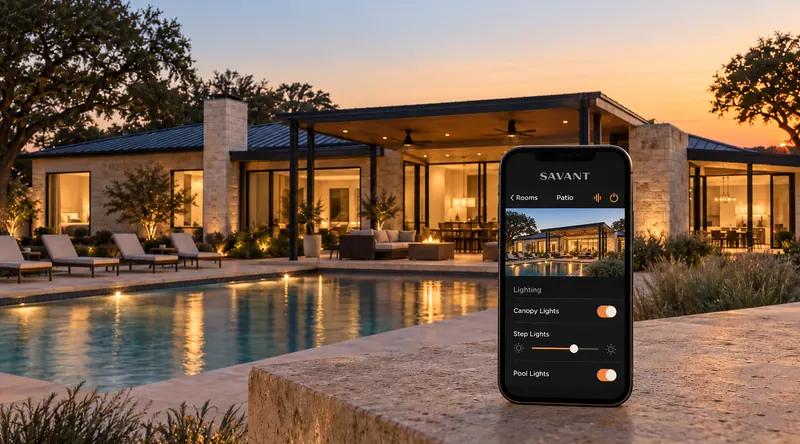
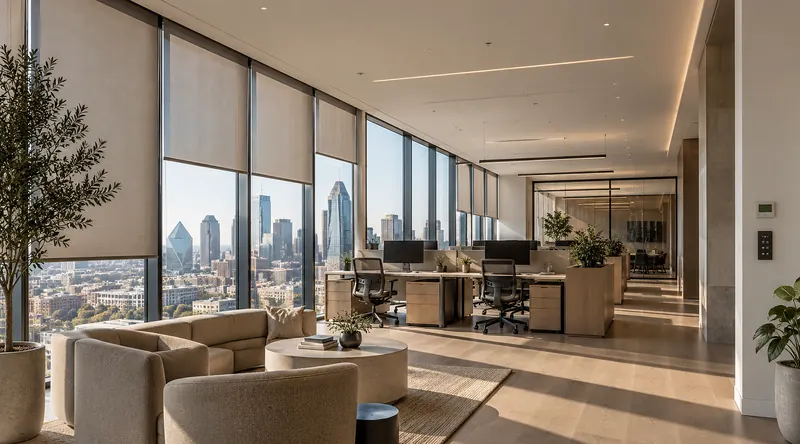
The network is the brain of the home. Every stream, video call, camera, lighting scene and the control system itself runs on it, so we design it for the whole property first: wired where it matters, wireless everywhere you are, secure by default.
// Networking and WiFi
A strong home network begins with design, not guesswork. Large floor plans, multiple levels, thick construction, outdoor living spaces, home offices and high device counts all affect performance, and a router in the closet cannot cover a Texas home on its own. Mesh Wi-Fi may be part of the solution for some homes, but it is not the entire strategy. We plan beyond the modem and router: wired connections, access point locations, equipment placement and security settings, for the house and the systems it has to support.
Wired connections, access point locations, equipment placement and security settings are planned for the house and the systems it has to support, before anything is bought.
Hardwired infrastructure gives TVs, cameras, control processors and the access points themselves a stable foundation, so the wireless network is free for the devices that move.
Layered networks with secure guest access, parental controls, device segmentation, firewalls and privacy-conscious settings, managed remotely by our team.
// What we design and install
01
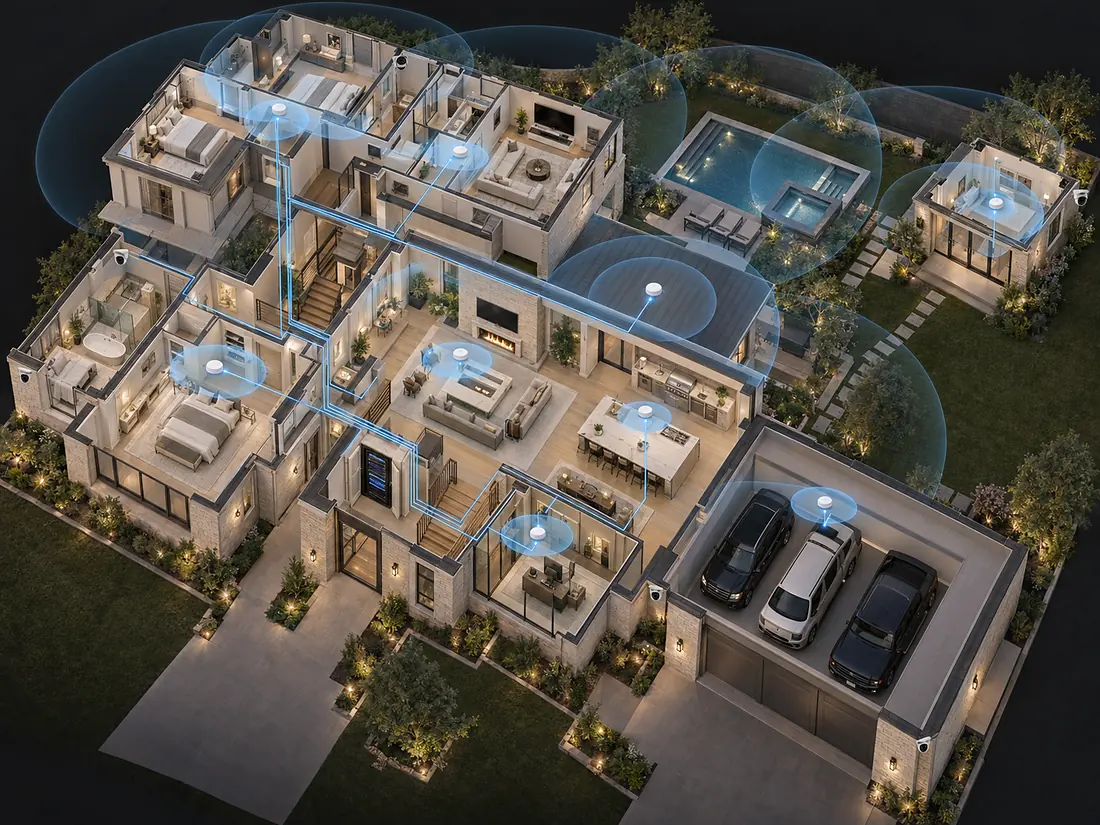
Whole-home Wi-Fi requires more than placing a router in a central room. Multi-story layouts, guest suites, outdoor kitchens, pool areas and detached casitas create coverage challenges that have to be planned around the structure. We evaluate the whole property and design a wireless network that works room to room, floor to floor and indoors to outdoors, with enterprise-grade access points placed where they work and sized for the number of devices a family actually uses.
02
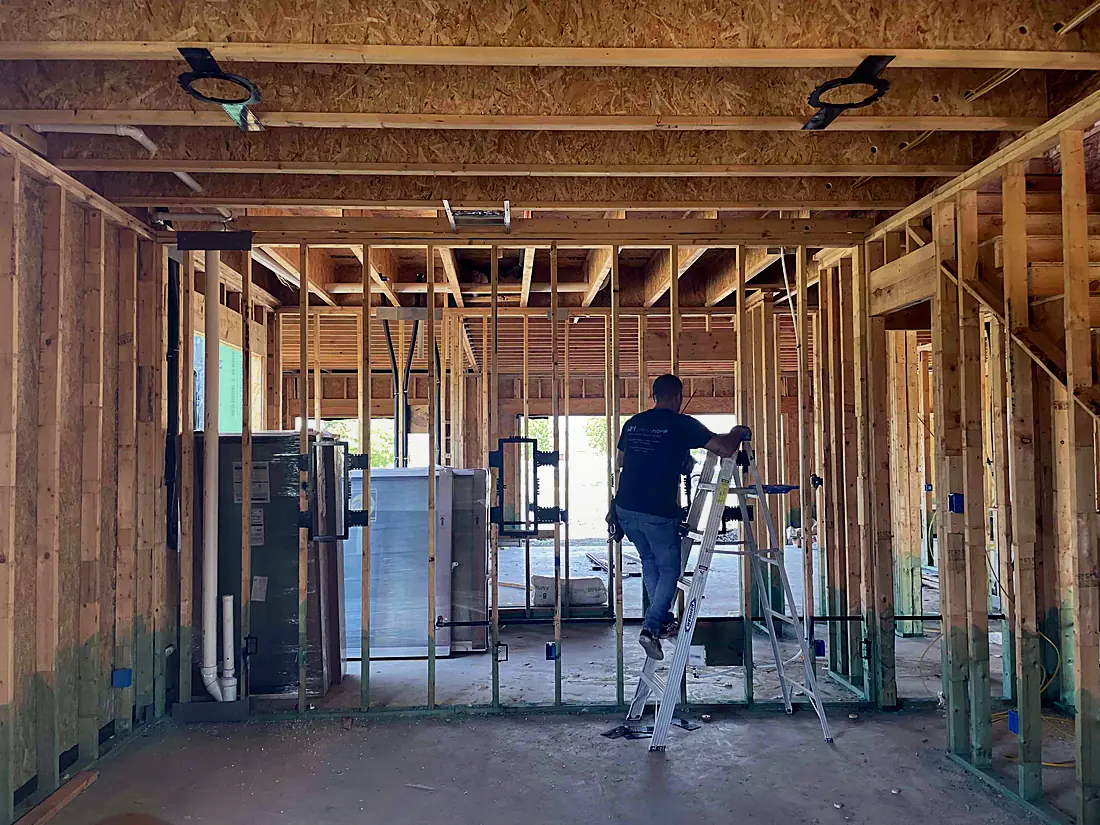
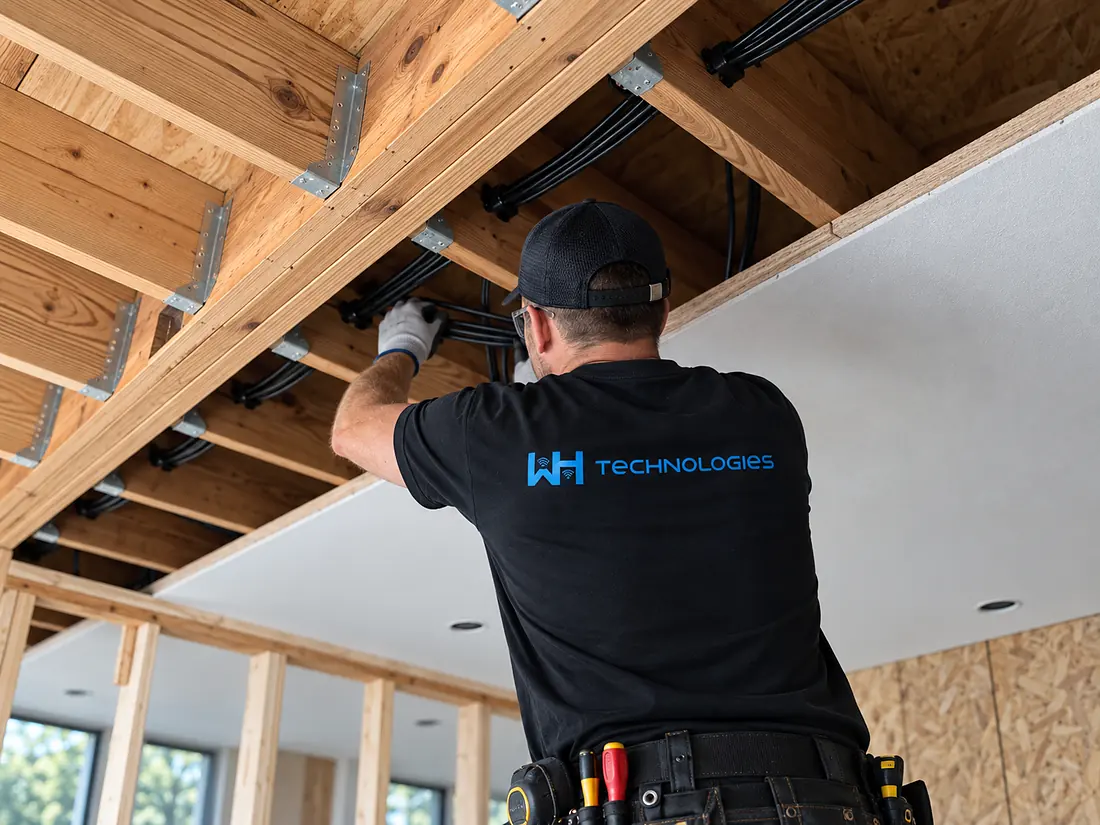
The strongest residential networks combine wired reliability with wireless convenience. Every fixed device that can be hardwired is hardwired: TVs, media rooms, cameras, control processors and the access points themselves. For new construction and remodels we plan the structured wiring, equipment locations and access point positions with your builder before drywall, which prevents the performance problems that are expensive to fix later. For existing homes we find clean routes and improve coverage without making the technology intrusive.
03
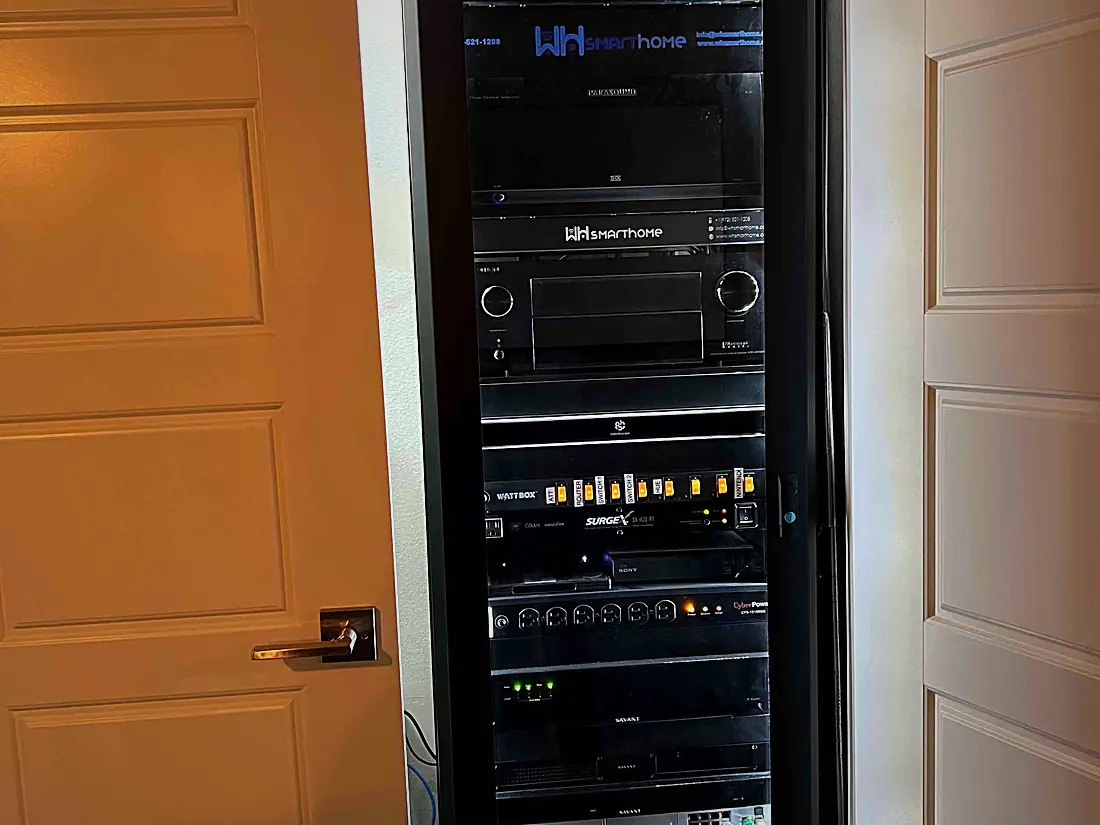
Routers, switches, the network controller and the automation processor live in a ventilated rack in a closet or the utility room, labelled and documented. Professional-grade equipment from brands such as Luxul is managed remotely by our team, so problems are seen and often fixed before you notice them, and firmware stays current without anyone in the household having to think about it.
04
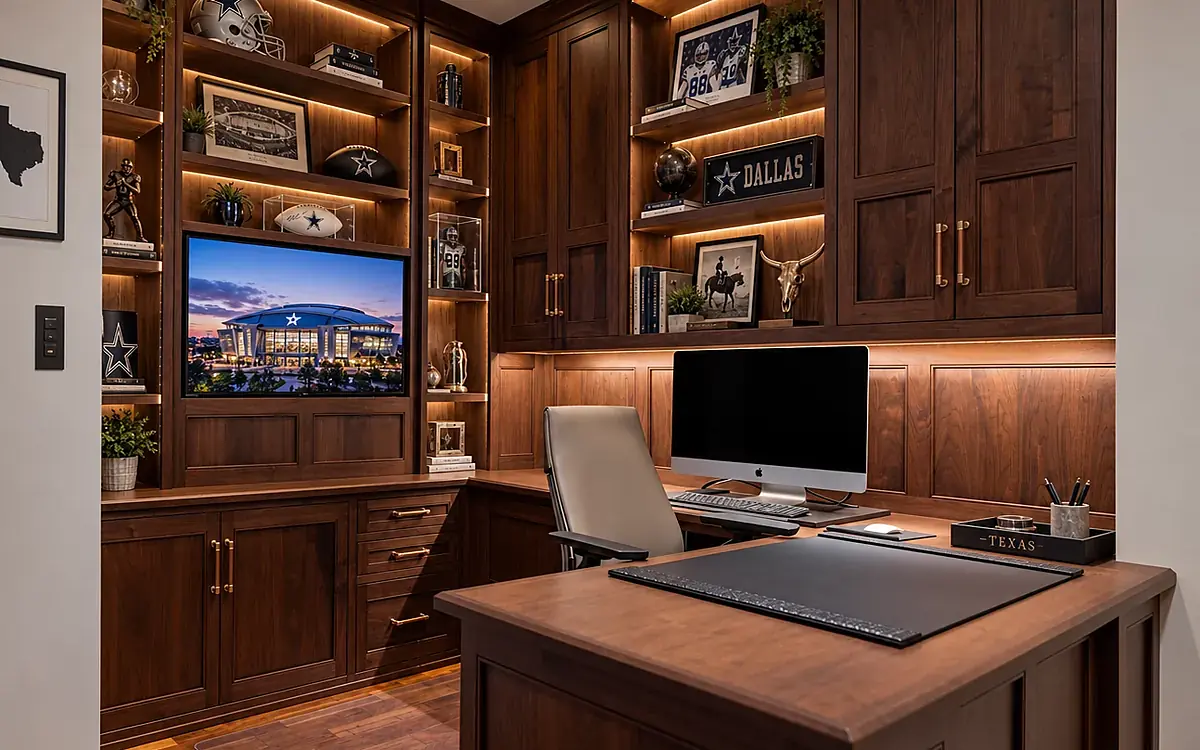
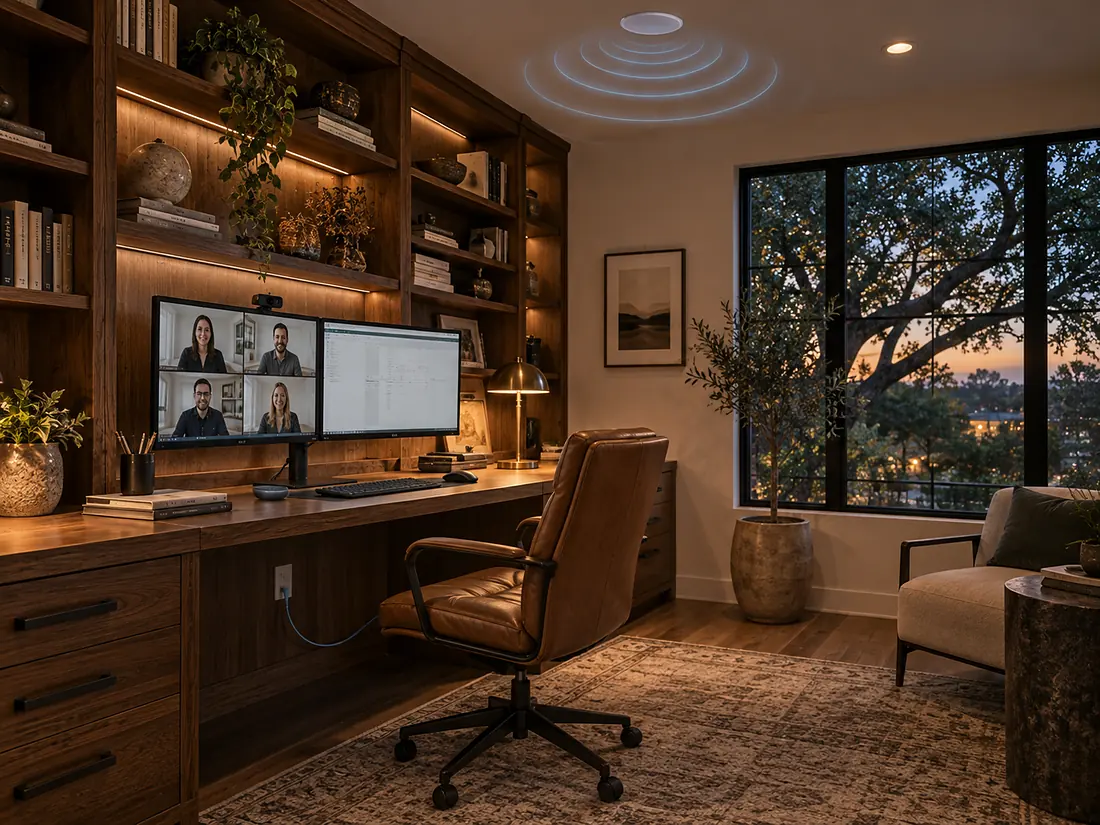
A home office should be as reliable as the workplace. We hardwire the desk and the conferencing gear, give the office its own priority on the network and place an access point where the calls actually happen. The same design keeps 4K streaming, gaming and the media room stable at the same time, even when the whole family is online.
05
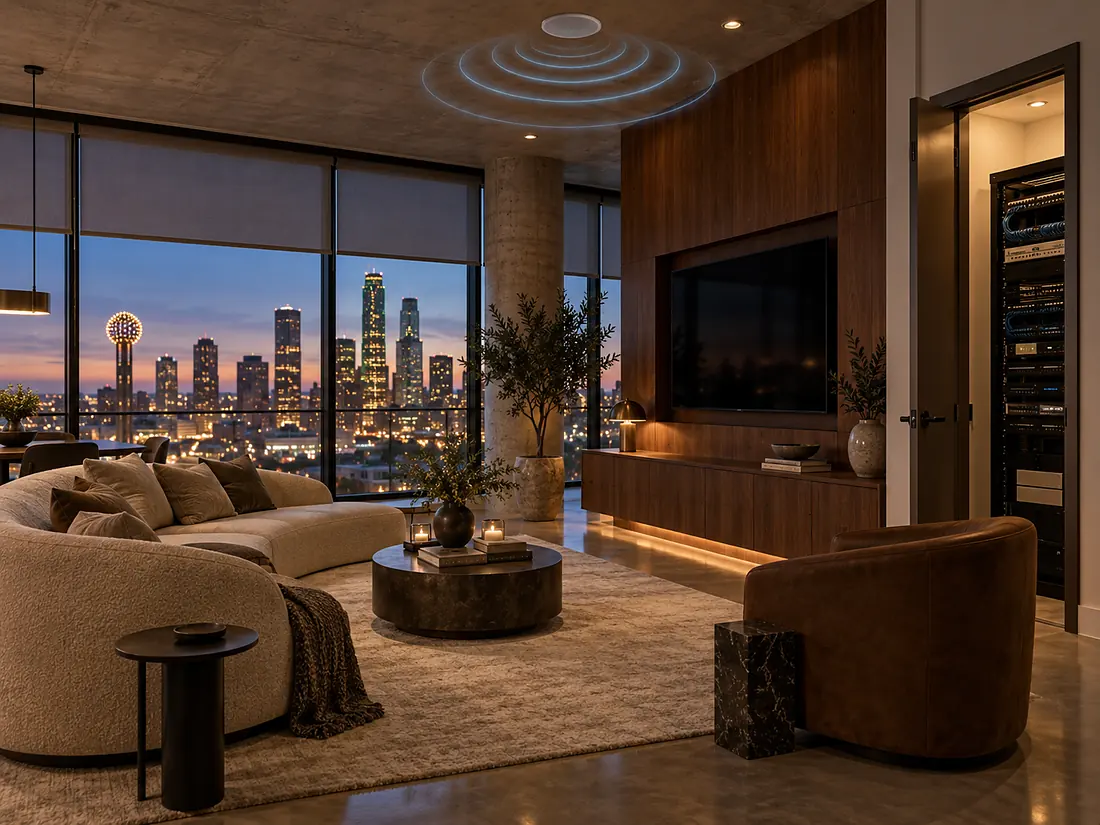
A condo or high-rise apartment has different problems from a large house: concrete and steel construction, dozens of neighbouring networks on the same channels, and an internet handoff chosen by the building. We design around it, with the right access points for dense buildings, wired backbone within the unit, and a network that keeps shades, lighting, audio and cameras responsive from a single equipment closet.
06
Fast performance is only one part of a well-designed home network. Phones, laptops, streaming devices, smart TVs, lighting controls, locks and cameras all need reliable access, but not every user or device should have the same permissions. We build layered networks: a secure guest network for visitors, a separate network for smart devices and cameras, firewalls, parental controls and secure remote access, so the private systems stay private.
// Proof
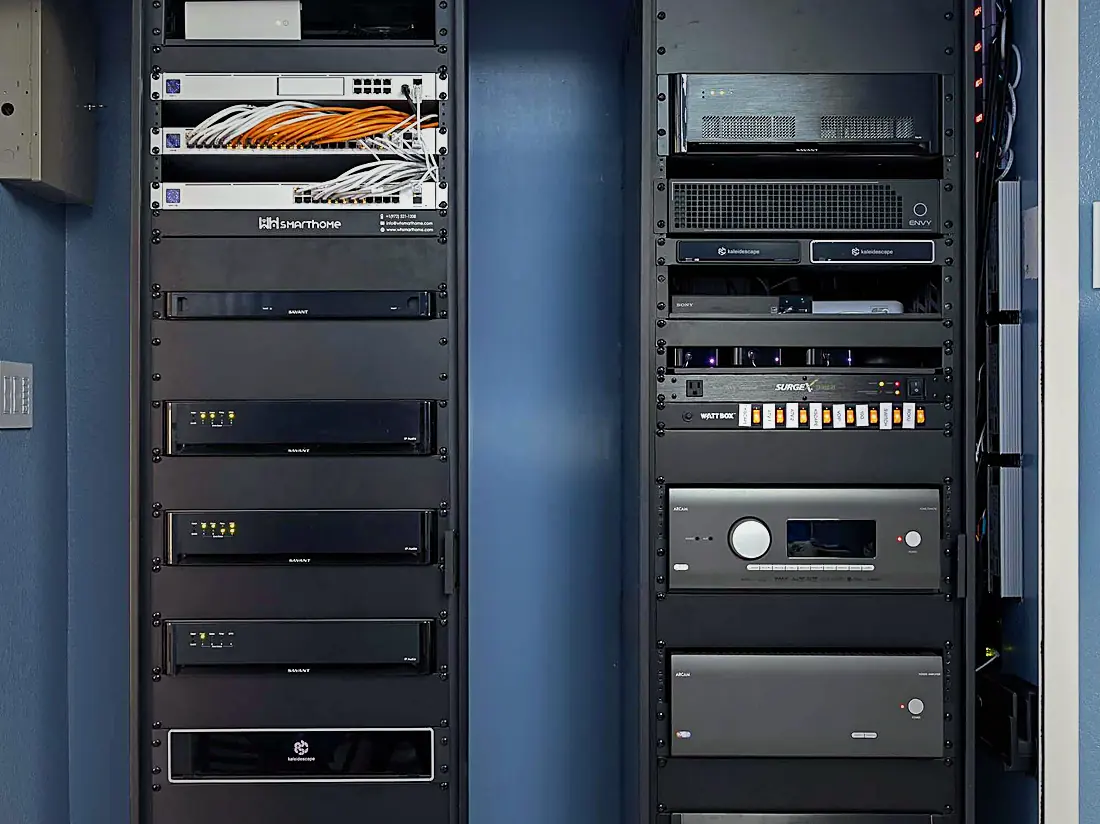
This is the network behind one of our home theater projects: switches, patch panel, controller and amplifiers in one labelled rack, hardwired to every room and managed remotely by our team. Every system we install depends on the network underneath it, which is why network design is part of every project, from a single media room to a whole-home integration.
I had WH Technologies design, plan, and completely re-cable my home for a new Ethernet network. My old cabling was a total mess. Danny brought his team and did the most fantastic job I could ever imagine.
John Muscarella, Google reviewJohann was great! He has the technical skills and knowledge to be effective. He understood my home electronics issues (Wi-Fi and TVs) and easily resolved them. The process was simple yet comprehensive. I highly recommend him.
James Berg, Google reviewWhen a standard router cannot provide reliable coverage, speed or stability across the whole property. This is common in large homes, multi-story layouts, outdoor areas, high-rise buildings, and residences with smart home systems, streaming, security cameras and many connected devices.
Wired infrastructure gives high-demand systems a stable foundation and helps wireless access points perform more reliably throughout the home. It is especially useful for home theaters, media rooms, security cameras, network equipment and anything that benefits from consistent speed and lower interference.
Mesh Wi-Fi uses multiple wireless nodes to spread coverage, which can help in some layouts. For larger residences or homes with smart systems, outdoor areas and high device counts, mesh is at most one part of a broader design that also includes wired infrastructure, properly placed access points, equipment planning and security.
Yes. Concrete construction, crowded wireless channels and the building internet handoff make high-rise units a different design problem from a house, and we plan for them: the right access points, a wired backbone within the unit and a single equipment location for the whole system.
Yes. Guest networks and parental controls are part of a secure home network setup. They separate guest access from private systems, manage device use and give the household control over how the network is used.
Yes. We assess the existing network and recommend improvements based on layout, current equipment, coverage issues and technology needs. In many cases better equipment placement, upgraded infrastructure, access point planning or reconfiguration improves performance without a remodel.
Wiring, equipment locations, access point placement, security needs and future technology, all before the walls close and finishes go in. Early planning lets the network support whole-home Wi-Fi, automation, AV, security and future upgrades cleanly.
// Across Dallas-Fort Worth
Dallas-area homes place unique demands on residential networking. In neighbourhoods such as Highland Park, University Park and Preston Hollow, homeowners rely on robust networks for remote work, streaming, integrated security and whole-home automation. Across fast-growing communities like Southlake, Frisco, McKinney and Prosper, larger homes and expansive outdoor living areas stretch coverage, and in the high-rises of Uptown and Turtle Creek the challenge is the building itself.
As a home networking company based in Allen, we design and install networks for houses, condos and apartments across Dallas-Fort Worth. Savant systems perform best on a network designed to support responsive control, which is why network design is part of every automation, theater and security project we do, and why our team remains available afterwards for remote management and support.
Home network design and whole-home Wi-Fi for Dallas and DFW houses, condos and apartments, installed and managed by one team from Allen.
A consultation about coverage issues, goals and how the household uses technology; an assessment of layout, construction, current equipment and device demands; a network plan; installation and configuration; testing of coverage, speed and stability; then a handoff and ongoing remote management.
Professional-grade routers, switches and enterprise access points from brands such as Luxul, structured wiring, ventilated equipment racks, and remote monitoring for the whole system.
// Start here
We look at coverage, wiring and equipment, then come back with a design that supports every system in the house, and a realistic budget.
