

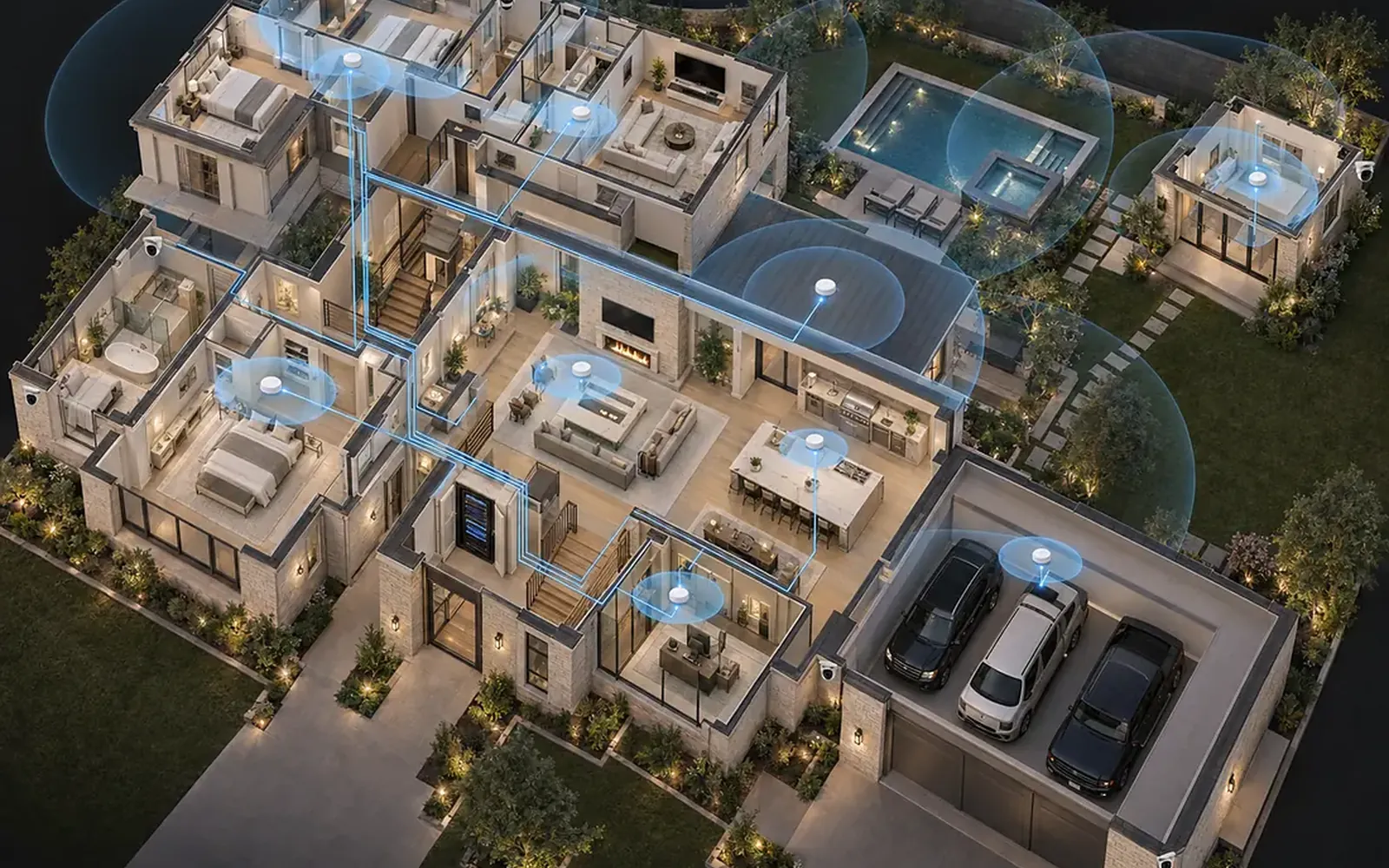
Wireless is for the devices you carry. Everything that stays in one place, the TVs, the office computer, the cameras, the equipment rack and the wireless access points themselves, works better on a cable. The best home networks we install are hybrid: wired where it counts and wireless everywhere else, with the two designed together rather than one bolted onto the other.
Three ways to build a home network
There are three ways to connect a home.
- Wireless only. One router, usually the one from the internet provider, and every device on Wi-Fi. This is how most houses are set up, because it is how they arrived.
- Wired only. Every device on an Ethernet cable. Nobody does this any more, and nobody should; phones, tablets and laptops need Wi-Fi.
- Hybrid. A wired backbone to every room and every fixed device, with wireless access points fed by that backbone to cover the house for the devices that move.
The word hybrid makes it sound like a compromise. It is the opposite. A cable is the fastest and most consistent connection a device can have, and it never competes for airtime. Wi-Fi is excellent for a phone and a poor way to feed a 4K television that never moves. Using each where it is strongest is simply the correct design, and it is how commercial buildings have always been wired.
Signs your network needs help
The symptoms are familiar. A corner of the house where the signal drops. A film that stops to buffer at nine in the evening when everyone is online. A video call that freezes while the audio carries on. A doorbell camera that shows a clip from thirty seconds ago. Shades or lights that respond instantly one day and not at all the next.
The causes are usually structural, not the internet plan.
- Size and layout. A large North Texas home with a long footprint or two stories cannot be covered from one point, however good the router.
- Materials. Brick, stone, concrete, tile, foil-backed insulation and large areas of low-emissivity glass all absorb or reflect Wi-Fi. The primary suite behind a stone fireplace wall is a classic dead zone.
- Device count. A connected home carries dozens of devices before anyone picks up a phone: thermostats, speakers, cameras, shades, keypads, the pool controller. Every one takes a slice of airtime from a single router.
- Hardware. The provider's combined modem and router is built to a price and placed wherever the cable enters the house, often a closet or the garage.
Upgrading the internet speed does not fix any of this. More bandwidth into a bottleneck is still a bottleneck.
What gets a cable
When we design a hybrid network, the list of wired devices is longer than most people expect. The rule is simple: if it does not move, it gets a cable.
- Access points. The most important cable in the house. An access point fed by Ethernet delivers its full speed to the room; one that relays wirelessly from another unit shares its capacity with the link back, and the loss compounds with every hop.
- Televisions and streaming devices. A 4K stream is steady, heavy and permanent. On a cable it never buffers and never competes with the phones in the same room.
- The office. Video calls, large file transfers and anything that pays the bills belong on a wired connection, every time.
- Cameras and the doorbell. A camera that drops off Wi-Fi is a camera that missed the moment. Power over Ethernet gives it power and data in one cable and keeps it on the network when the Wi-Fi is busy.
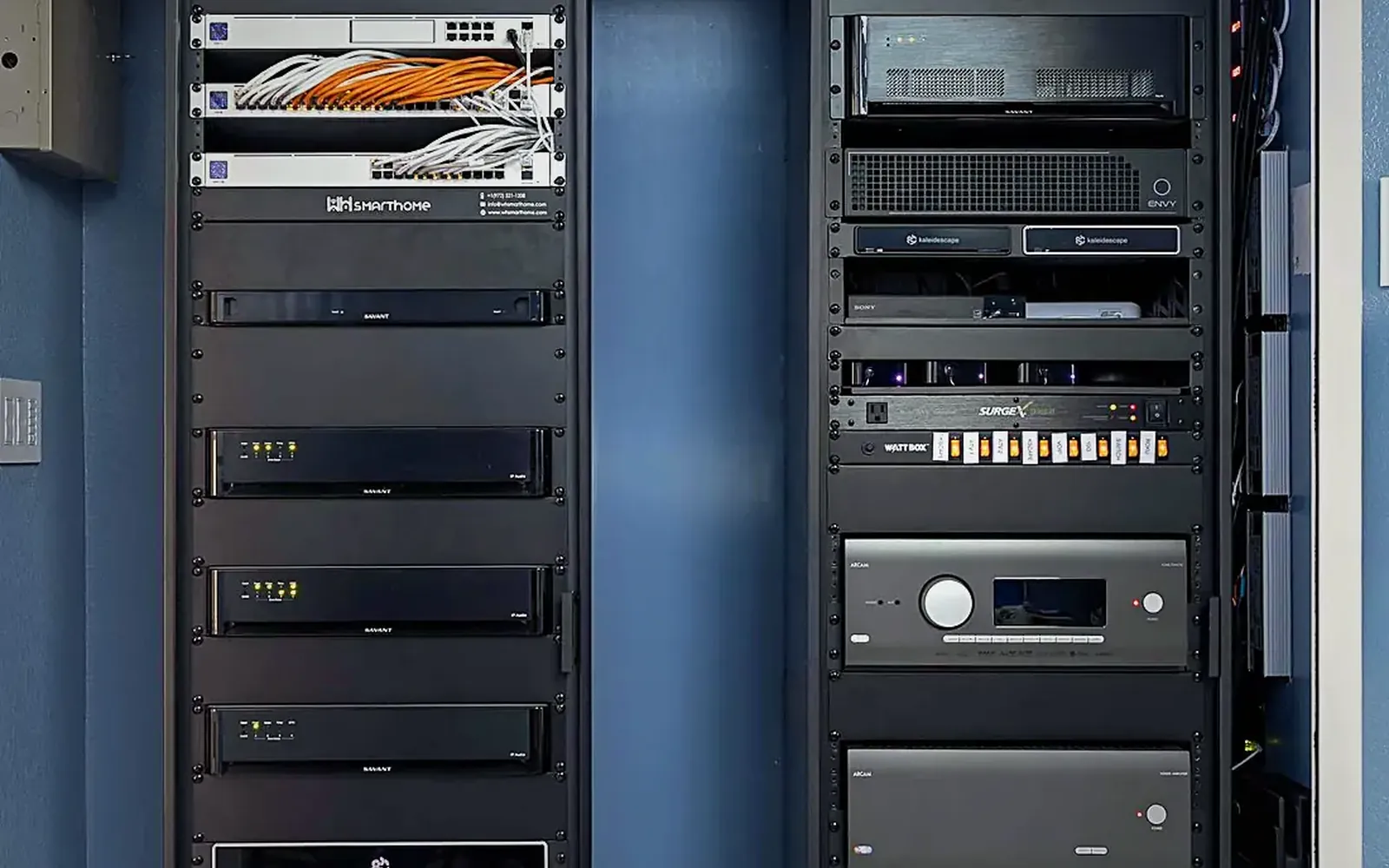
- The equipment rack. Audio, video, lighting and shade processors, the security panel and the control system all sit on the switch in the rack. This is the heart of the hybrid network, and it is why we settle the rack location early.
- Game consoles and outdoor zones. Latency matters for gaming, and a patio television or outdoor access point should never depend on a signal through two brick walls.
A home built this way carries the heavy, constant traffic on copper and leaves the air clear for the devices that need it.
Wi-Fi done properly
Once the backbone exists, the wireless side gets easy. Instead of one router shouting from a closet, several small access points are placed where people actually are, each fed by cable and each covering a modest area well.
Placement is most of the work. Ceiling mounting near the center of a space gives the cleanest coverage, and one access point per large zone, the main living area, the upstairs hallway, the primary suite, the office and the patio, is a typical starting point for a larger Dallas-Fort Worth home. The units are then set to cooperate rather than compete: channels planned so neighbors do not overlap, power turned down so a phone hands off smoothly from one to the next as you walk, and a single network name throughout.
Enterprise-grade systems from Ruckus or Ubiquiti also let us separate traffic. The family's devices sit on one network, guests on another with no access to the house, and the smart devices on a third, where an inexpensive bulb cannot see your laptop. For a connected home that separation is as much a security measure as a performance one.
The result is Wi-Fi that feels like it is simply there. No extenders, no second network name for the back of the house, no reboot ritual on Sunday night.
Plan it before the drywall
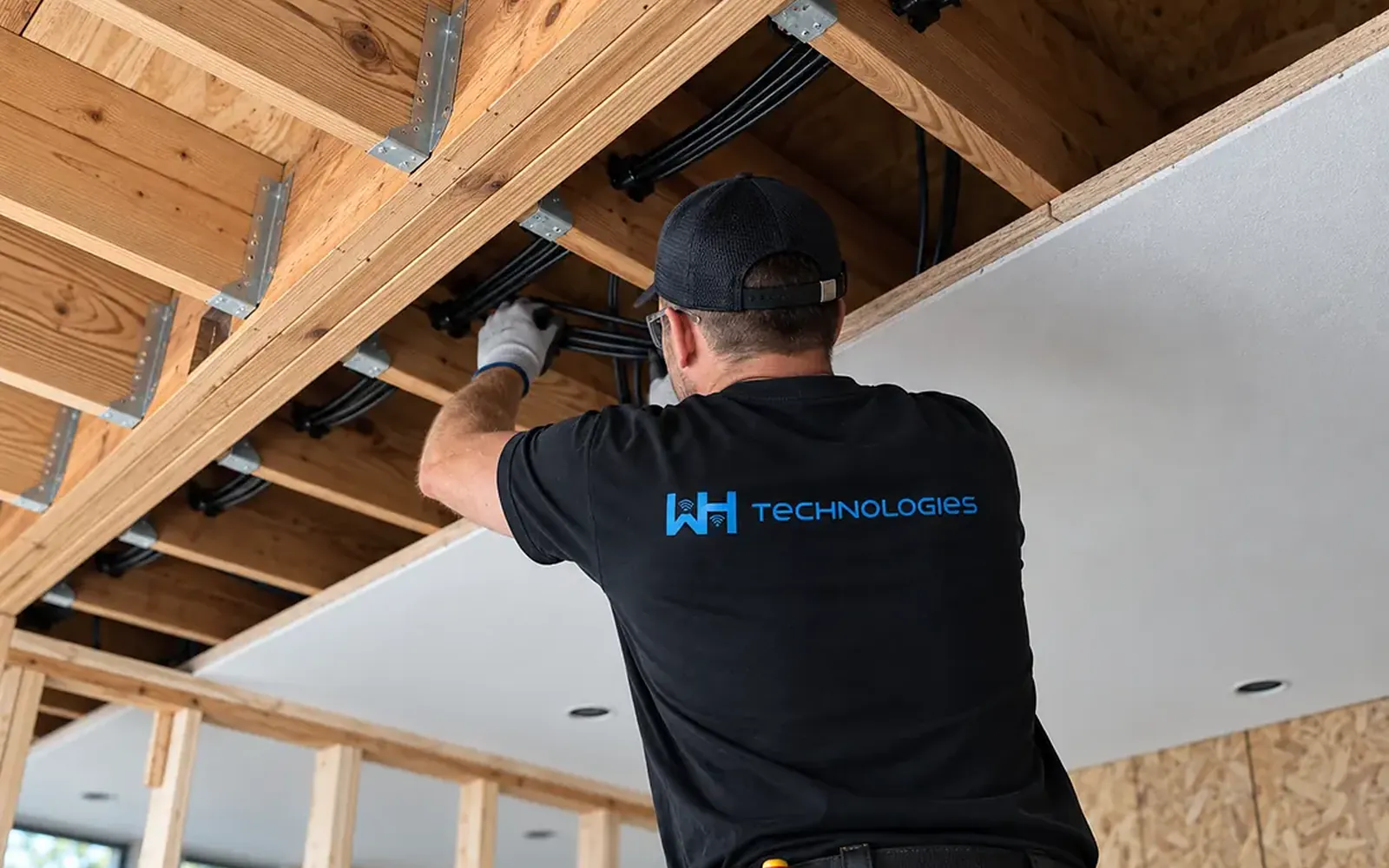
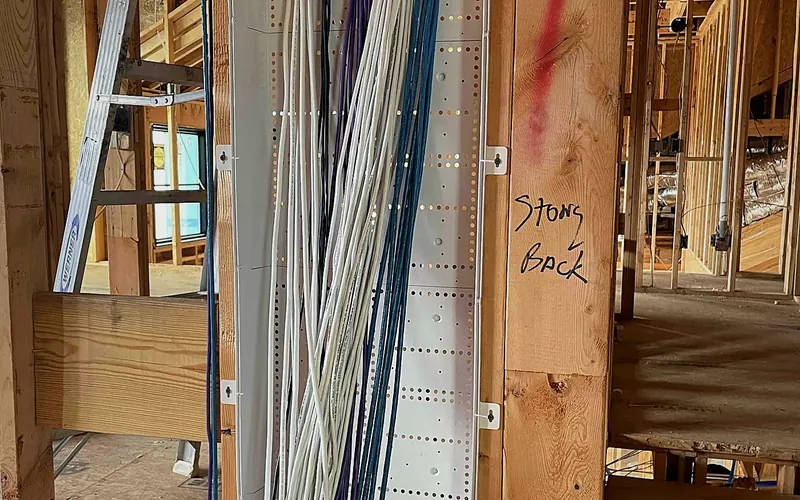
The cheapest cable you will ever run is the one that goes in before the drywall. On a new build we ask for a Category 6 or better run to every television location, every office, every room where an access point might go, the camera locations, the patio and the garage, all terminated at a central rack with room to grow. Conduit from the rack to the attic and to an outside wall covers the things nobody has thought of yet. This is a standard part of the pre-wire conversation we have with builders, and the detail is in our article on whether smart homes need pre-wiring.
An existing home is not a lost cause. Attic and crawl-space access make most runs possible with a little patching, and a few well-chosen cables, to the rack, to the access points and to the main television, carry most of the benefit. Where a cable genuinely cannot go, a wireless bridge is used deliberately, as a known exception, rather than as the way the whole house works.
What to do next
Start with a list, not a product. Walk the house and write down every device that stays put, and every place where the Wi-Fi fails you. That list is the network design; the equipment is chosen to serve it.
If you are building or remodeling, bring the list to the pre-wire meeting and insist on the cable runs while the walls are open. If the house is finished, a site survey tells you in an hour which rooms need a cable and which only need a well-placed access point. Either way, treat the network as the system every other system depends on. Lights, shades, cameras, music and the evening film all ride on it, and the home is only as reliable as the network underneath. It is the first thing WH Technologies checks on any project, old or new.
What homeowners automate first, and why it sticks
How light changes the way a home feels
Do smart homes need pre-wiring? What to run before drywall
Are all LED tape lights the same?

Why lighting design should be your first design decision

Five ways motorized shades uniquely benefit Texas homes
Outdoor audio done right: how many speakers do you really need?
I have a dog. That's enough security, right?
The beginner's guide to energy management for Texas homeowners
4 critical areas to consider in a home theater design
Why hire a professional for your home theater installation
Why your backyard needs a proper outdoor TV installation
Is it time to upgrade your lighting? Five signs the answer is yes
Why you should trust a professional installer with home automation

Music and light: the two systems that decide how a restaurant feels
Ready for technology that simply works?
Design, installation and support by one team in Allen, serving Dallas-Fort Worth since 2019.