
A home theater is a room first and a set of equipment second. The screen, the projector and the speakers are the easy part to buy and the hard part to place, and a mistake in the room costs more to fix than any single component. That is the real case for hiring a professional: not to carry boxes, but to design the room before anything is ordered, then build it so it works as one system for years.
The room is designed before anything is bought
Good theater work starts with a drawing, not a shopping cart. The questions come in a fixed order. How many seats, in how many rows. How far the eyes are from the screen, which sets the screen size. How high the ceiling is, which decides whether height speakers for Dolby Atmos are possible and where a projector can sit. What the walls are made of, and what is on the other side of them.
Every one of those answers changes the equipment list. A screen that is right for one row is too small for two. A projector that looks bright in a showroom can wash out on a large screen in a room with a window. Speakers placed where there happens to be space, rather than where the sound needs to come from, will never image properly no matter what they cost. We walk through the planning side in four critical areas of home theater design; the short version is that the room decides the gear, never the other way around.
A professional also hears problems that do not show on a spec sheet. Square rooms, and rooms where two dimensions match, produce bass that is loud in one seat and missing in the next. Hard parallel walls add a flutter echo to dialogue. These are solved on paper, with wall treatment, speaker position and seat position, long before drywall or paint.
Built around how your family will actually use it
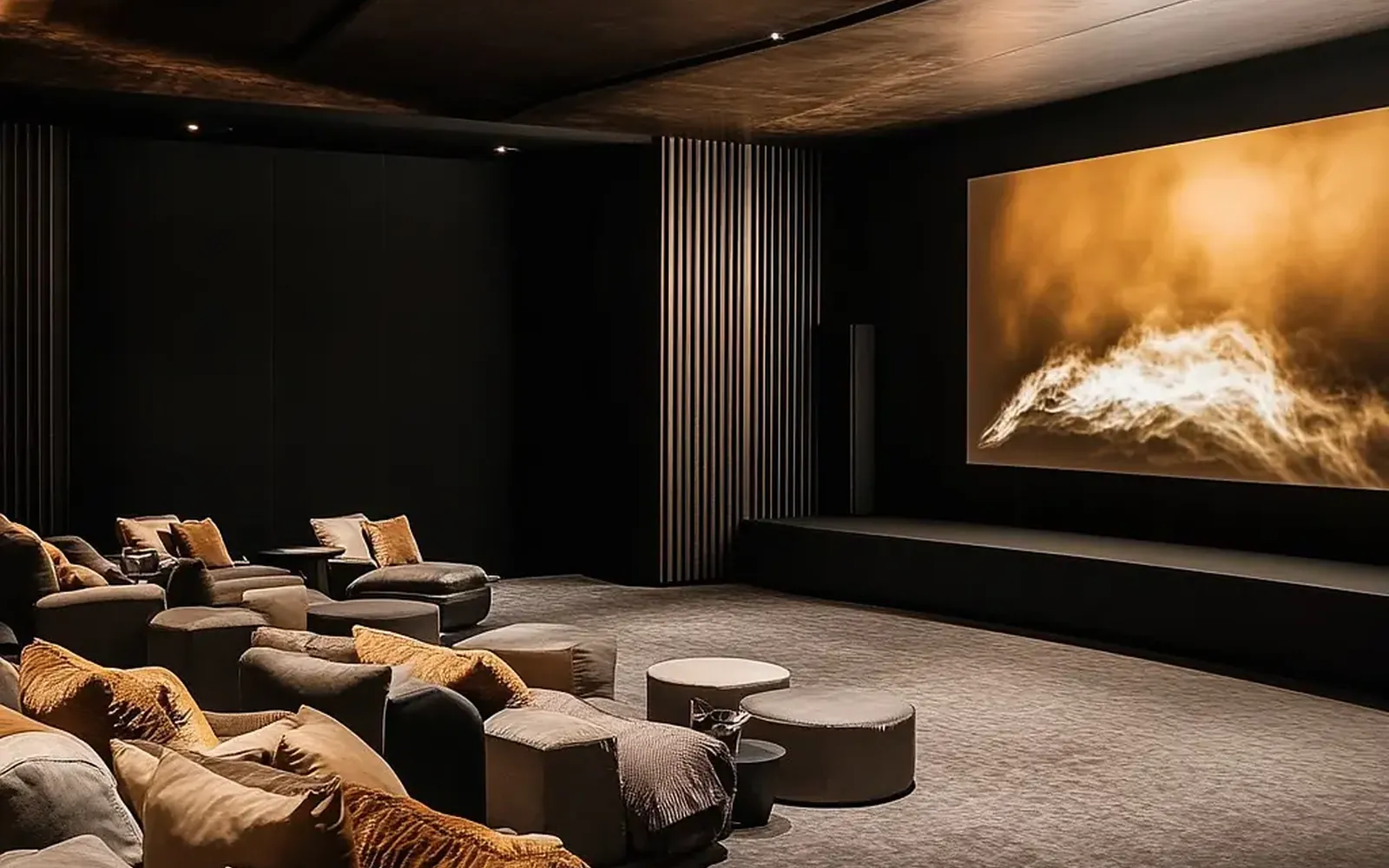
No two theaters we build are the same, because no two households use them the same way. A couple who watches films on weeknights wants two excellent seats and a room that disappears around the picture. A family with teenagers wants a lounge row behind the recliners, a console that is easy to switch to and finishes that survive popcorn. Someone who hosts for the Cowboys game wants a picture that holds up with the lights partly on, a counter at the back and sound that still works when twelve people are talking over it.
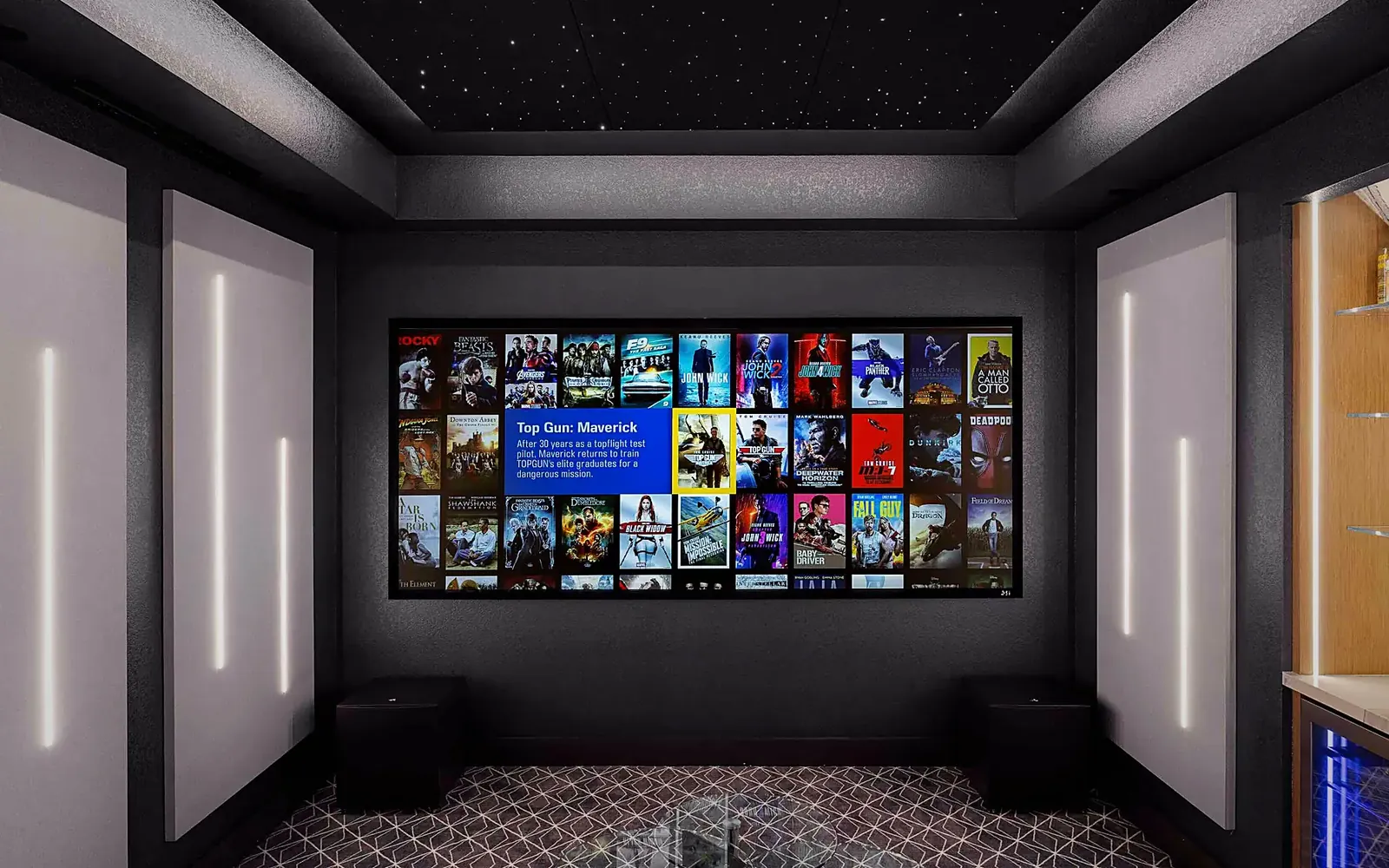
That is why the first meeting is about your evenings, not about products. From there the room gets the right seating, the right display (a projector and screen in a dark dedicated room, a large direct-view screen where there is daylight) and the right level of finish. It also gets the layers that make a room feel complete: lighting on scenes so the sconces and step lights fade as the film starts, motorized shades or blackout layers wherever there is glass, and a movie server such as Kaleidescape if the household cares about picture quality beyond what streaming delivers.
Where do-it-yourself theaters lose money
The expensive mistakes in a theater are rarely about choosing the wrong brand. They are about buying in the wrong order, and about what goes in the walls.
- Equipment bought before the design. Speakers that do not fit the chosen screen wall, a projector with the wrong throw distance for the room, a receiver without enough channels for the layout. Each one gets replaced or compromised.
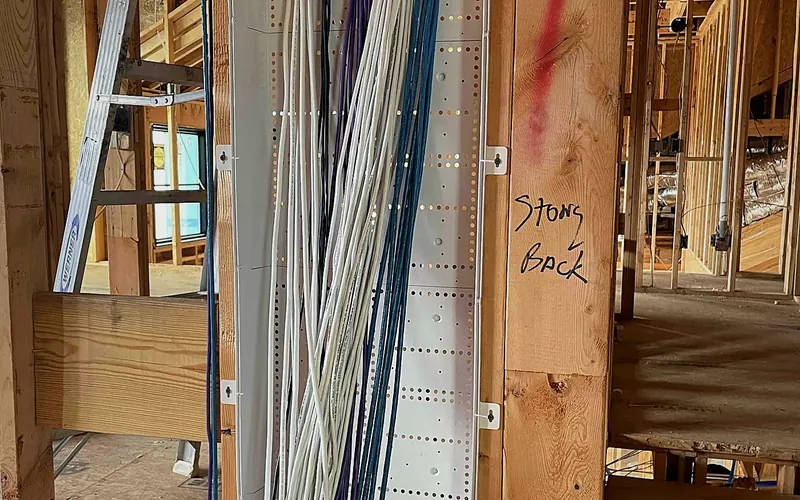
- The wrong cable in the wall. Long HDMI runs carrying 4K at high frame rates need the right cable, and often fiber. Speaker wire too thin for a long run to the surrounds, or a conduit that was never installed, means opening finished walls again.
- Power in the wrong place. One outlet behind the screen wall and nothing at the rack location is common. A theater needs dedicated circuits, surge protection and often conditioned power for the electronics.
- Heat. Amplifiers, servers and projectors all produce it. A closed cabinet with no ventilation shortens the life of everything inside, and in a North Texas summer a projector mounted near a hot ceiling has a hard life already.
A professional installation gets these right once, during rough-in and trim-out. The parts of the job nobody sees are the parts that keep the room working.
One system, one remote, one phone number
A theater that needs three remotes and a sequence of steps gets used by one person in the house. The point of professional programming is that pressing Movie does everything: the lights fade to their preset, the shades close, the projector warms up, the processor selects the right input and the server opens to the film list. Pause brings the aisle lights up a little. Off puts everything back. That is automation applied to a single room, and it is what makes the room get used.
Calibration is the other half. Speaker levels and delays are set from the seats, the bass response of the room is measured and corrected, and the projector is adjusted so skin tones and shadows look the way the filmmaker intended rather than the way the factory default looks. None of this appears on the equipment list and all of it is visible and audible from the first night.
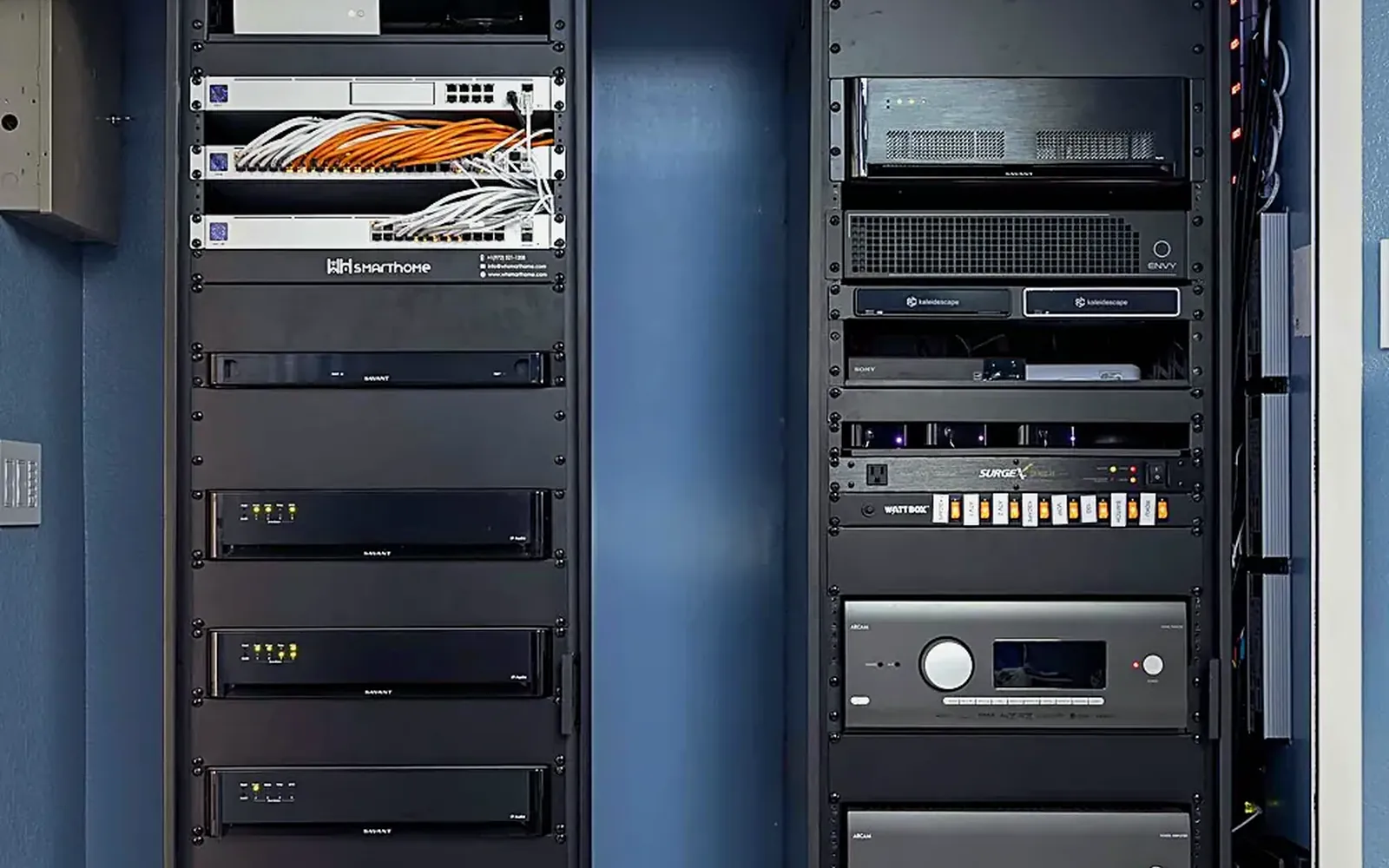
Underneath sits the network. Streaming in 4K, a media server and a control system all depend on a wired connection to the rack and a stable network in the rest of the house. And when something does stop working, you want the company that designed, installed and programmed the room on the other end of the line. At WH Technologies the same team does all three, so support can see the system remotely, fix most issues without a visit and knows what is in the rack because they put it there.
Planned for the next upgrade, not just this one
Display and audio formats keep moving, and a room planned by a professional assumes they will. Conduit from the rack to the projector and to the screen wall means a new projector or a new cable standard is an afternoon, not a renovation. A rack with spare space and spare power means a server or a game console can be added without rebuilding. Speaker wire pulled to the ceiling for height channels, even if they are not installed on day one, keeps the Atmos option open.
Support memberships cover the smaller things: firmware, streaming apps that change their behavior, a remote that needs a new battery and a reprogram, a projector lamp or laser source nearing the end of its life. The room that still works perfectly in year seven is the one that was built with year seven in mind.
What to do next
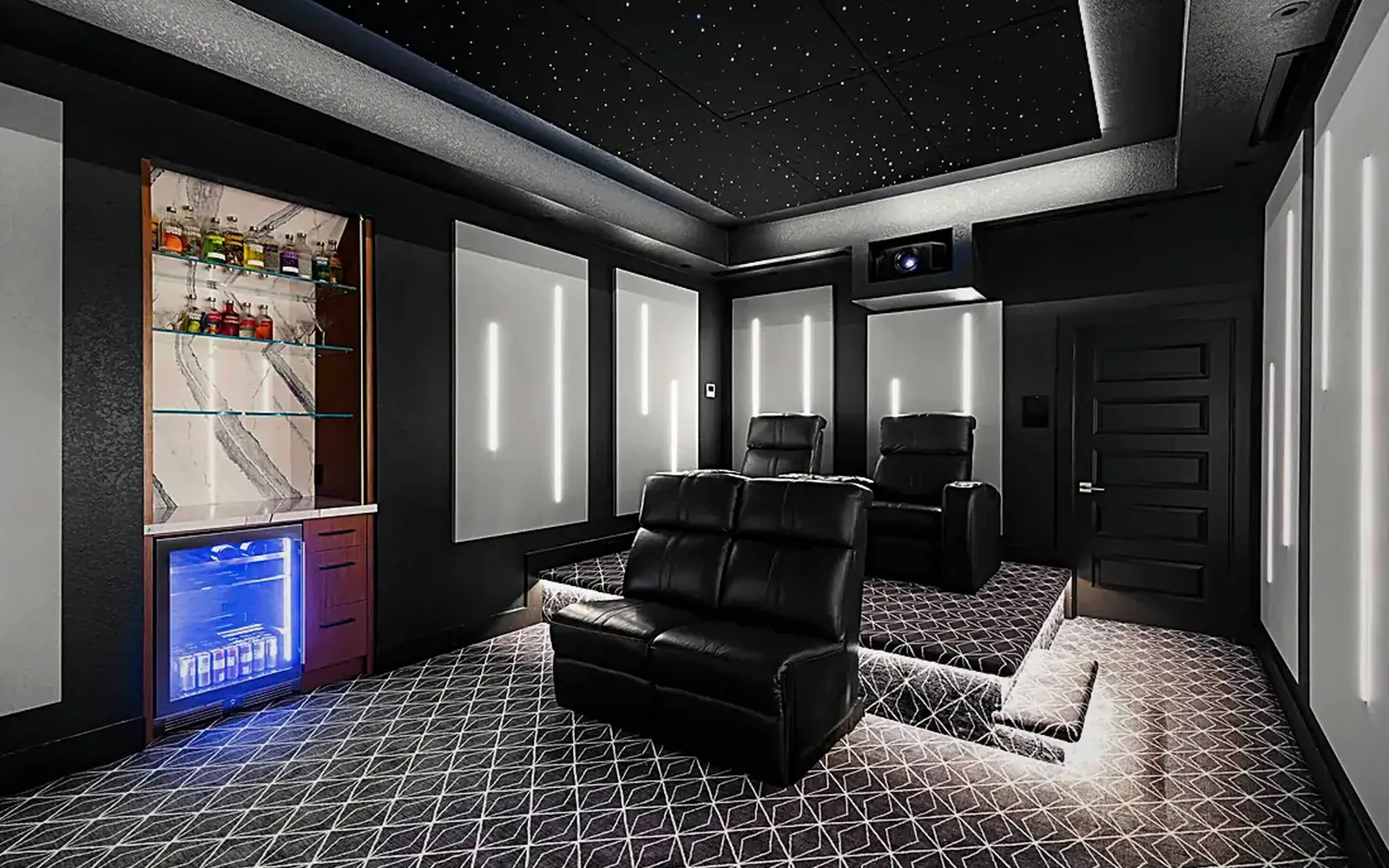
If you are building or remodeling, bring the theater into the plan while the walls are open and the architect can still move one. If the room already exists, start with a conversation about how you will use it and what sits on the other side of its walls. Either way the order is the same: the room, then the design, then the equipment. When you talk to any installer, ask about CEDIA membership and HTA certification, and ask to sit in a room they have built. Our home theater page shows what a finished room involves, and a consultation is the quickest way to find out what yours could be.
What homeowners automate first, and why it sticks
How light changes the way a home feels
Do smart homes need pre-wiring? What to run before drywall
Are all LED tape lights the same?
Why lighting design should be your first design decision
Five ways motorized shades uniquely benefit Texas homes
Outdoor audio done right: how many speakers do you really need?
I have a dog. That's enough security, right?
The beginner's guide to energy management for Texas homeowners
Don't count wired out: when hybrid home networks work best
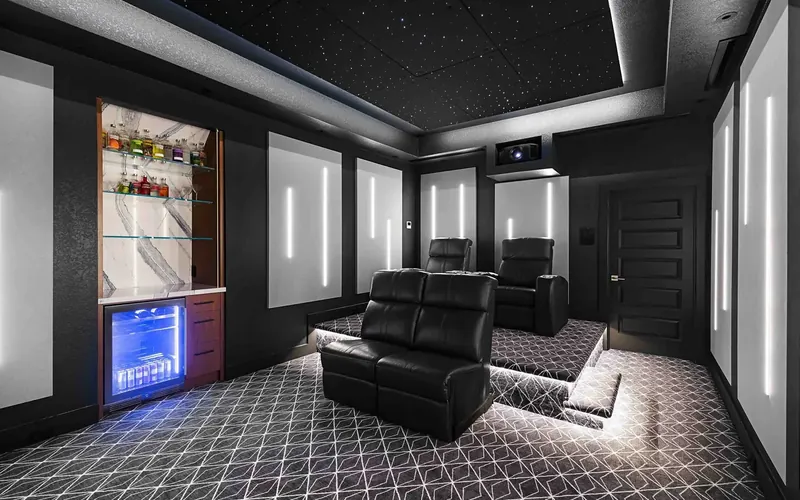
4 critical areas to consider in a home theater design
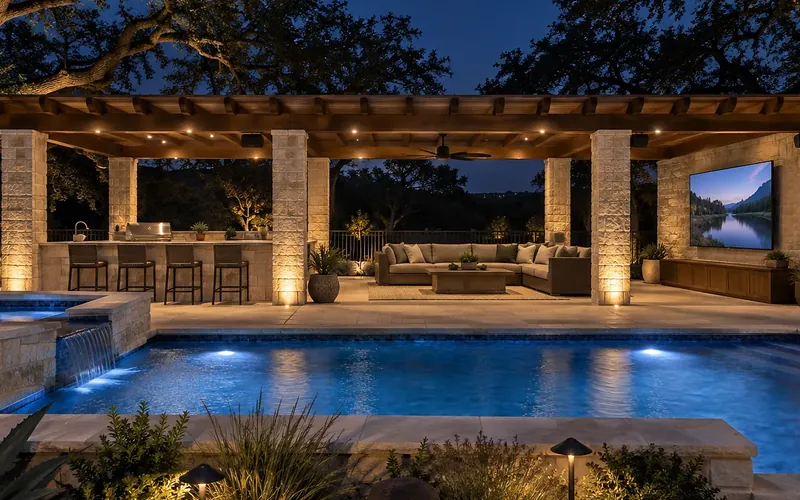
Why your backyard needs a proper outdoor TV installation
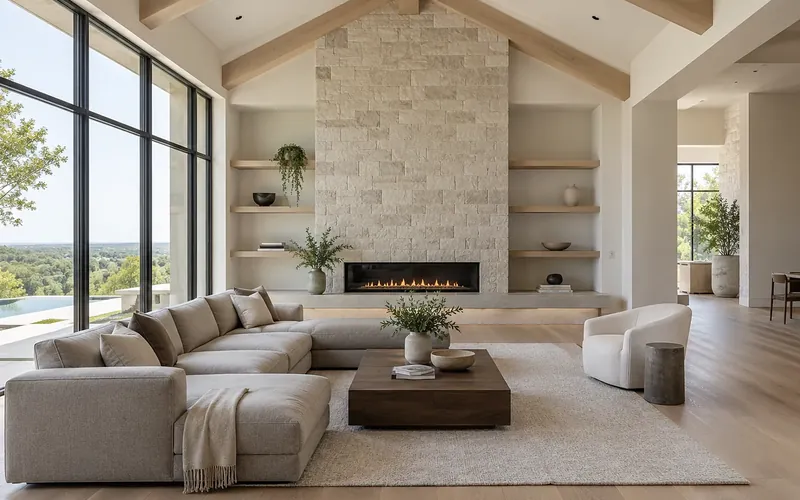
Is it time to upgrade your lighting? Five signs the answer is yes
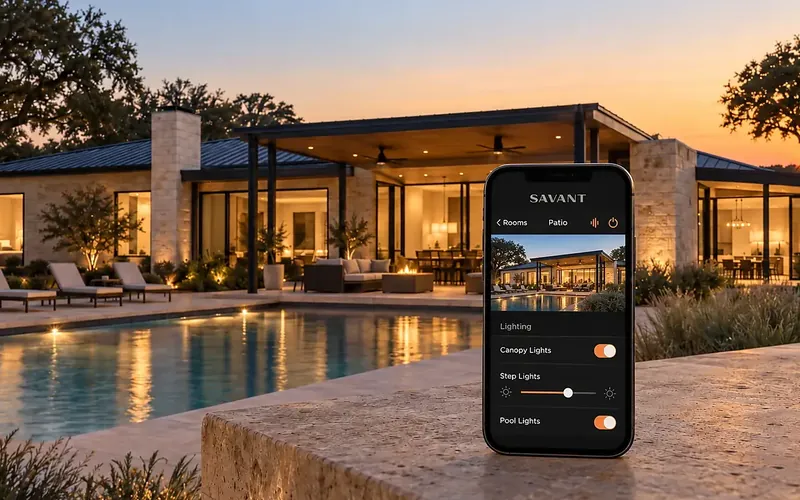
Why you should trust a professional installer with home automation

Music and light: the two systems that decide how a restaurant feels
Ready for technology that simply works?
Design, installation and support by one team in Allen, serving Dallas-Fort Worth since 2019.