
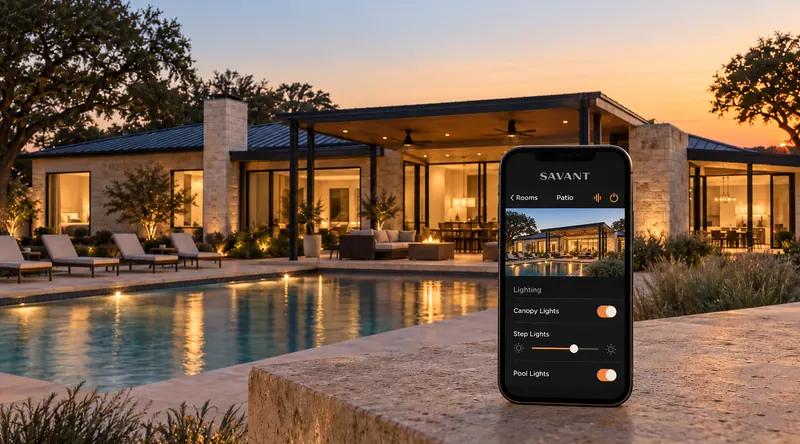

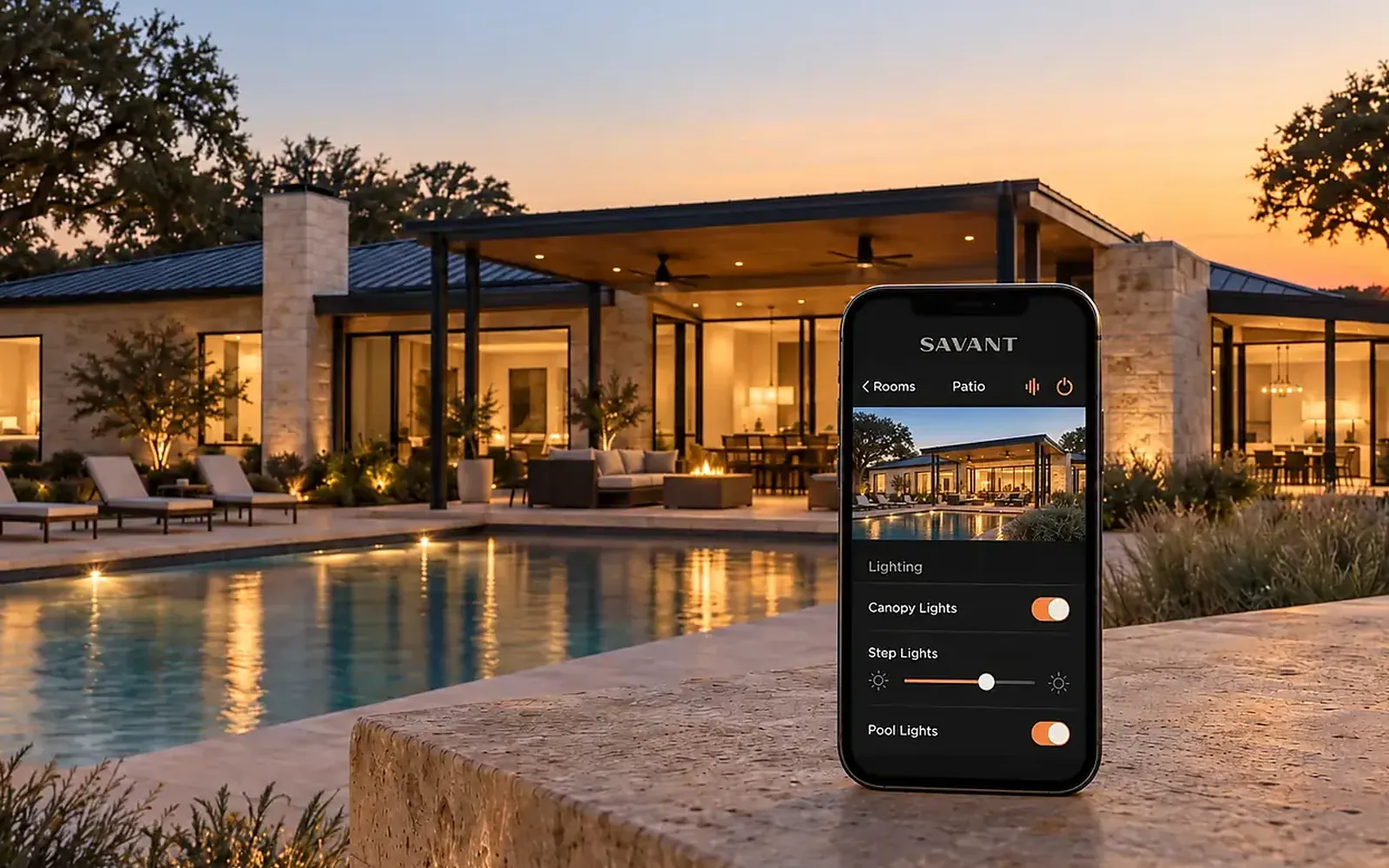
A smart plug and a video doorbell are a weekend project. A home where lighting, shades, climate, security, audio and the network behave as one system is not. The difference is not the hardware. It is the design work, the wiring, the single platform that ties everything together, and the person who answers when something stops responding at nine on a Sunday night. That is what you are hiring when you hire a professional installer.
Where do-it-yourself stops working
Most homes do not start with a plan. They start with one device that solved one problem, then another from a different brand, then a hub to make the first two talk. By the third system the house has four apps, two voice assistants that disagree, and a router doing a job it was never built for. Each piece works on its own. Together they are a collection, not a system.
The trouble shows up in the details that matter daily. The lights can be scheduled but the shades cannot see the schedule. The thermostat has its own idea of Away. The camera app logs you out. Nobody in the family knows which app does what, so the house gets used the old way, one switch at a time, and the gadgets are ignored. That is usually the point where people call us, and it is often easier to start over than to patch.
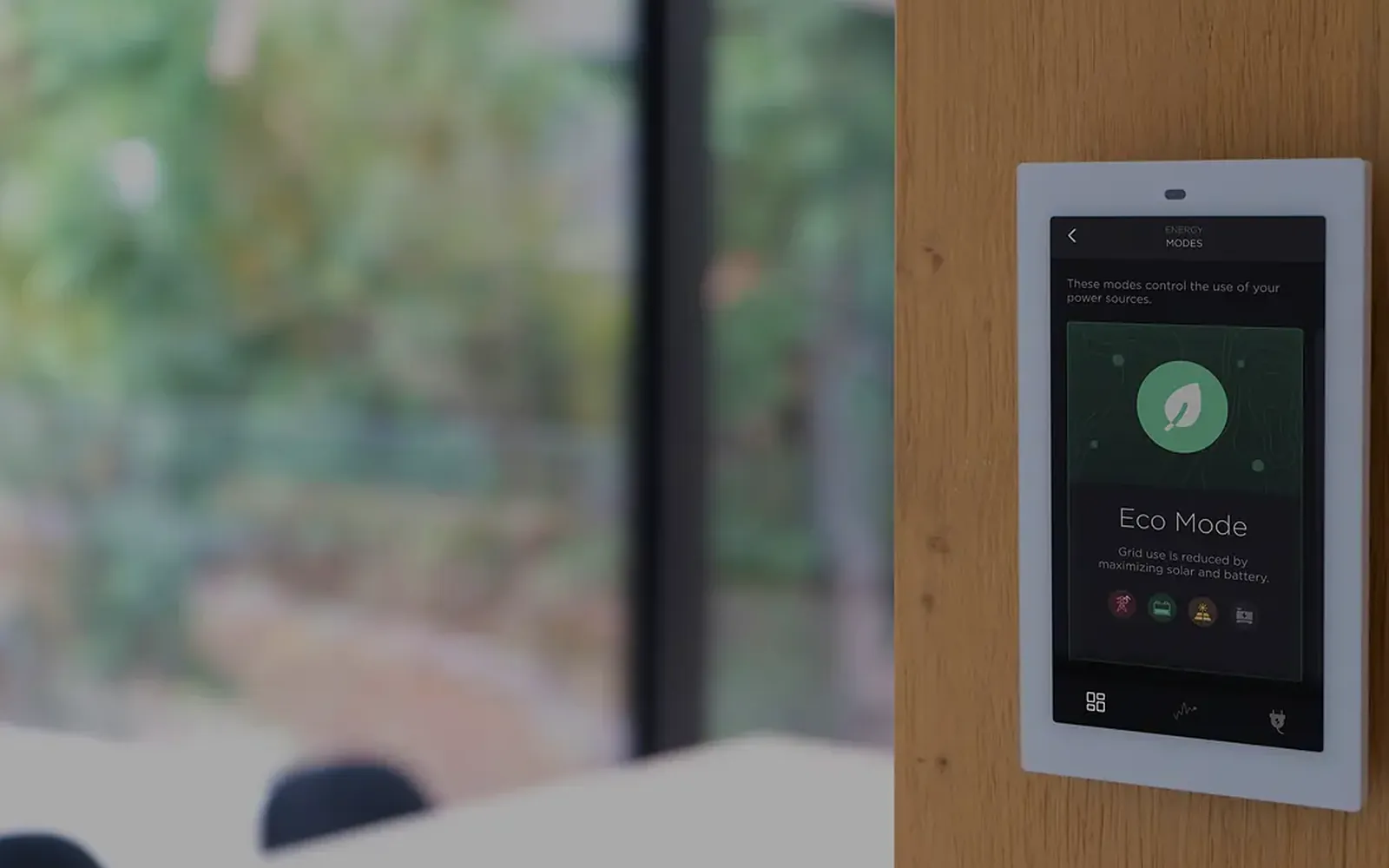
A professional integrator starts from the opposite end. The question is not which products to buy. It is which moments in the day the house should handle: morning, leaving, arriving, evening, bed. The equipment is chosen to serve those moments and to sit on one platform, so every system can see every other system. That is the whole idea behind smart automation, and it does not come in a box.
The work that happens before anything is installed
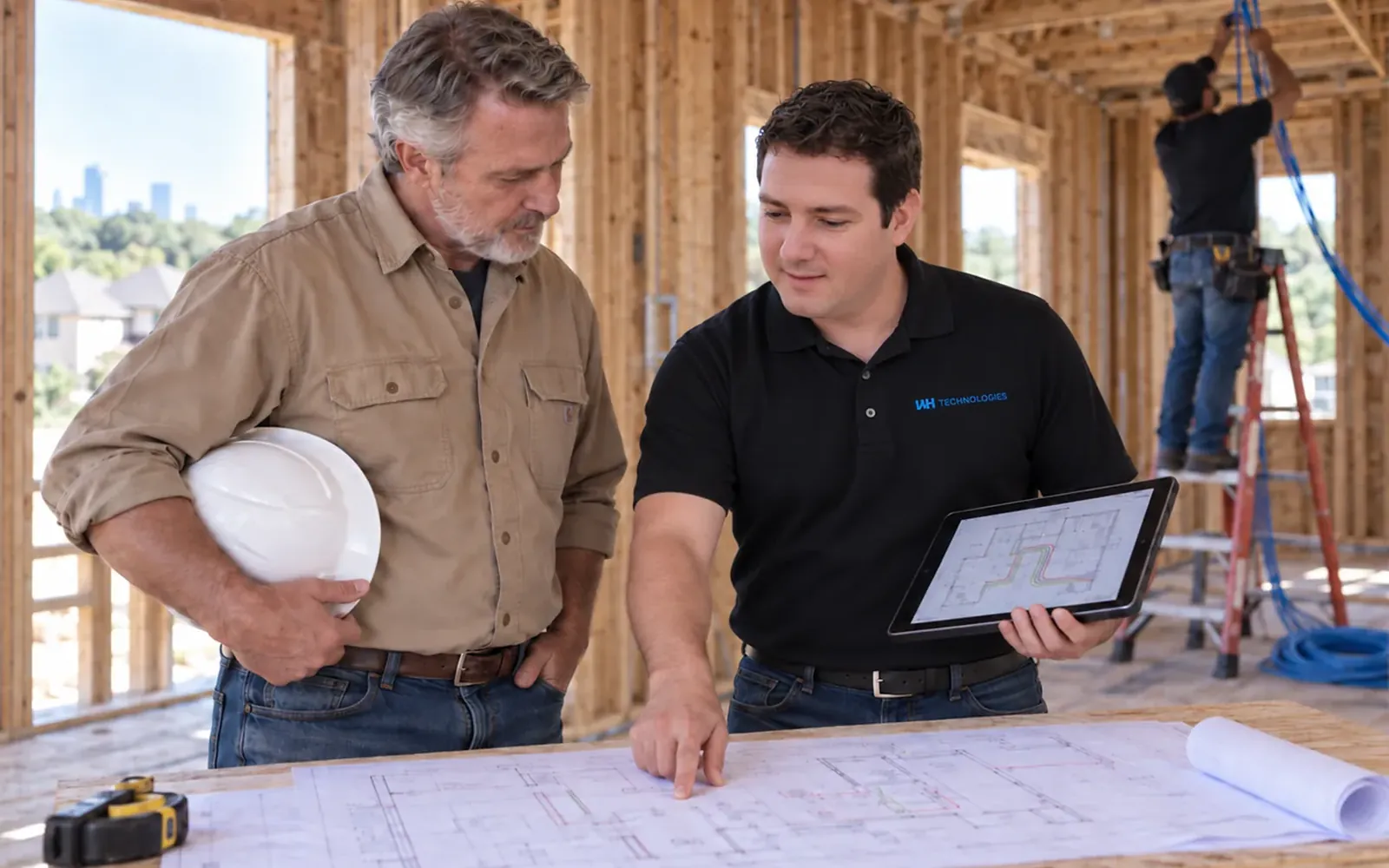
The part of a professional project that homeowners rarely see is the design phase. Before a single keypad is ordered there is a walk-through, a room-by-room list of what each space has to do, and a set of drawings: keypad locations, shade pockets, speaker positions, camera views, the wiring that connects them, and where the equipment will live. On a new build those drawings go to the builder and the electrician so the cabling goes in while the walls are open. On a remodel they decide what can be done wirelessly and what is worth opening a wall for.
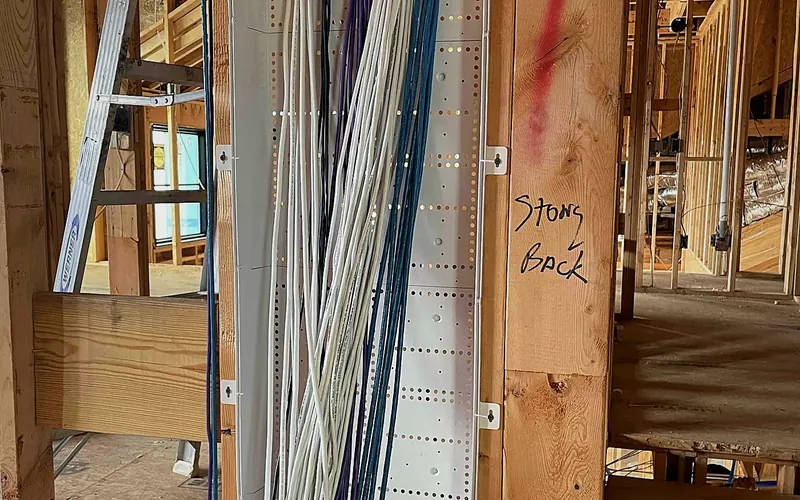
This is where the real savings are made. Pre-wire costs very little during framing and a great deal after paint, which is why we work with builders from the plan stage, and why we wrote a separate guide on whether smart homes need pre-wiring. Getting the keypad on the correct side of the door, or the shade pocket deep enough for the fabric you chose, is a five-minute conversation on paper and a week of patching afterwards.
The rack, the network and the parts you never see
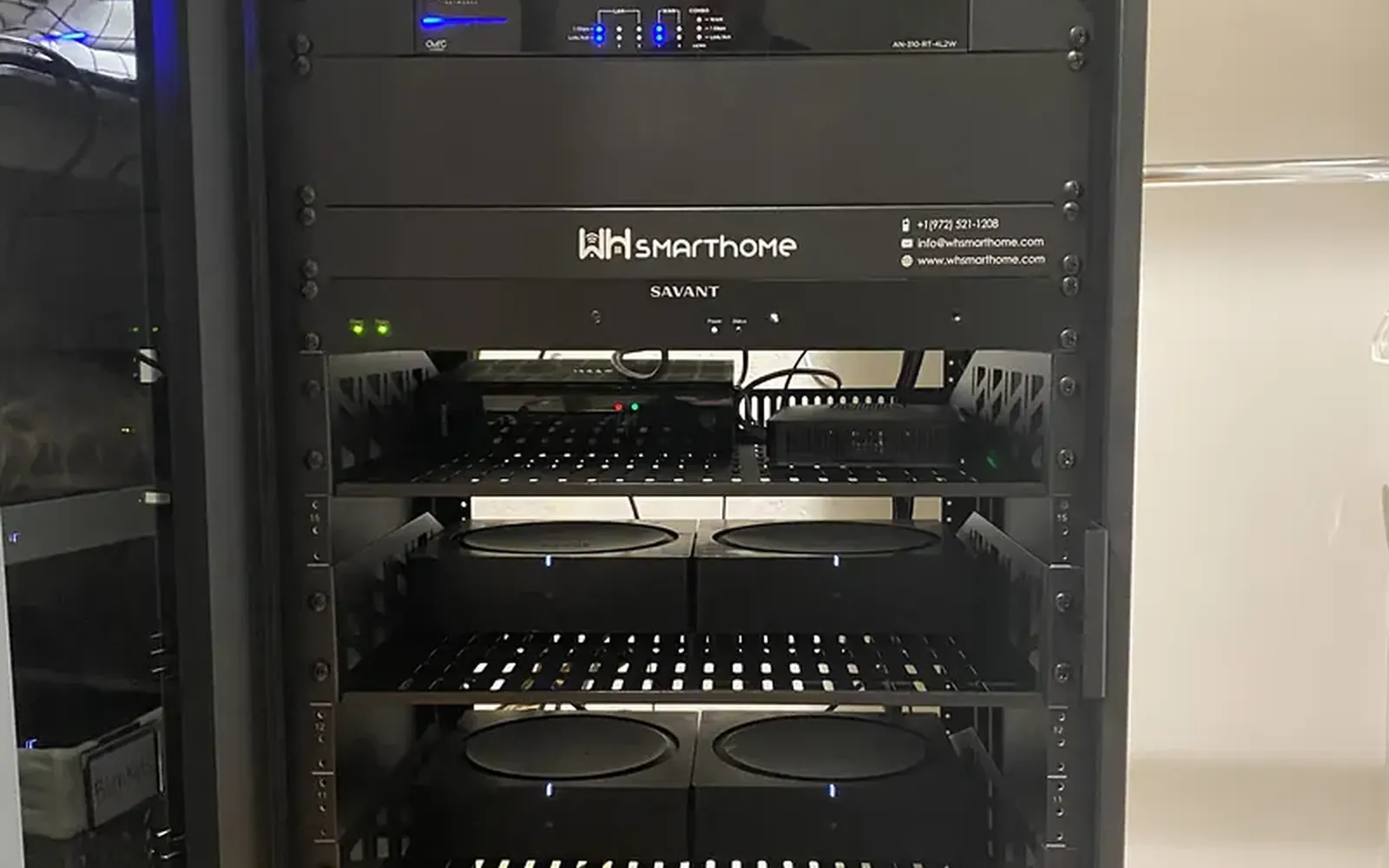
Every automated home has a closet the family never visits. It holds the rack: the control processor, the lighting panels, the network switches, the audio amplifiers, the video distribution, the surge protection and the backup power. In a professional installation that rack is ventilated, labeled, cabled so that any single component can be swapped without pulling the rest apart, and documented so that someone other than the original technician can service it years later.
Under the rack sits the network, and this is where most do-it-yourself systems quietly fail. Shades, keypads, cameras, streaming boxes, video calls, phones and a few dozen small devices all share the same wireless air. A consumer router in a hall closet was never designed for that load, or for the size and construction of a typical North Texas home. A managed network with hardwired access points, separate traffic for cameras and guests, and enough coverage to reach the patio is the difference between automation that works for years and automation that needs a reboot every week.
Power matters here too. Texas storms and grid events are not rare, and a rack without proper surge protection and clean, backed-up power will eventually lose something expensive. Planning that protection is part of the design, not an accessory added at the end.
Choosing products that will still work in five years
The smart home market is wide and most of it is aimed at the single-device buyer. Products come and go, cloud services get shut down, and a brand that was popular three years ago may no longer be supported. An integrator's product list is shorter and more conservative for a reason. We build on platforms made for dealers, such as Savant for whole-home control and Lutron for lighting, because they are designed to be programmed, serviced and extended over the life of the house rather than replaced when the next model arrives.
Credentials are a useful filter. The Home Technology Association certifies integrators on their process, financial stability and client references, and lists them by tier; WH Technologies holds the Luxury tier and is an HTA Design Partner. Manufacturer partner levels tell you the company has the training and the volume to support what it sells. In Texas, anyone installing cameras or alarm systems also needs a state security license, which you are entitled to ask for.
Support after the install, not just on install day
Technology does not stay installed. Firmware updates, a new phone, a streaming service that changes its login, a power blip that resets one switch. None of these are failures of the design, but each one needs someone who knows the system. The difference between a professional installation and a pile of gadgets is who you call when that happens.
Look for an installer whose support is structured, not a favor. That means a line that is answered outside business hours, remote monitoring that can see a problem and often fix it before you notice, scheduled maintenance for updates, and a documented system that any technician on the team can work on. It also means one company for everything. If the shades, the lights and the network were installed by three vendors, the first hour of every service call is spent deciding whose problem it is.
What to ask, and what to do next
A short list of questions separates integrators from installers who sell boxes:
- Who designs it? Ask for drawings and a written scope, and for the same team to design, install and support the project.
- What ties it together? One control platform with one app and one set of keypads, not a hub bridging four ecosystems.
- What does the network look like? If the answer is the router from your internet provider, keep looking.
- What happens after handover? Ask what the support line covers, what the memberships include, and whether the system is monitored remotely.
- Can we see a rack? A tidy, labeled rack from a previous project tells you more than any brochure.
If you are building or remodeling, bring the technology conversation to the table at the same time as the kitchen and the lighting plan, while the drawings can still change. If you are in a finished home, start with the two or three moments in the day that annoy you most and ask an integrator how they would handle them. A good one will talk about your routine before they talk about products, and will tell you plainly what is worth doing now and what can wait.
What homeowners automate first, and why it sticks
How light changes the way a home feels
Do smart homes need pre-wiring? What to run before drywall
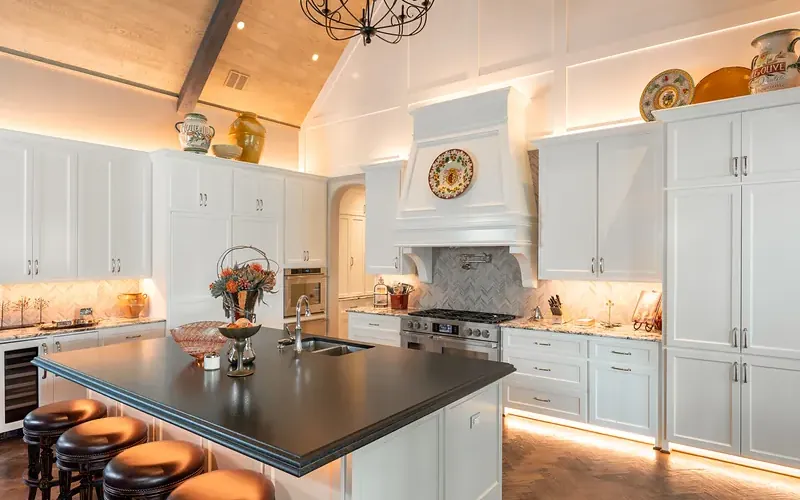
Are all LED tape lights the same?
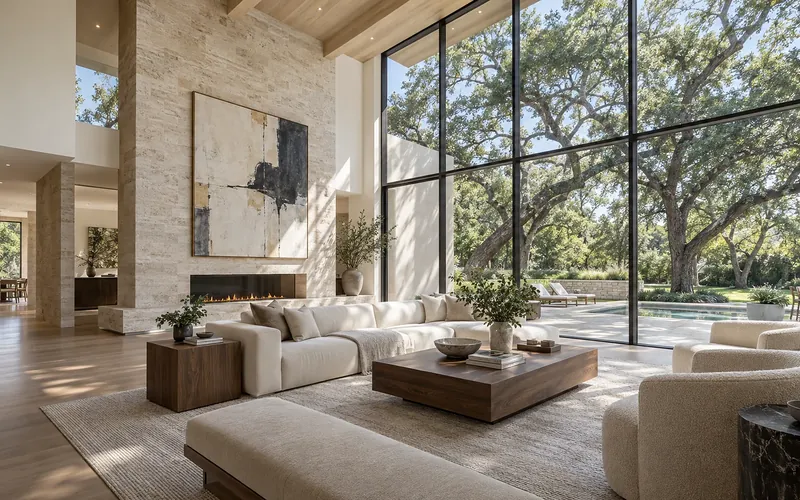
Why lighting design should be your first design decision
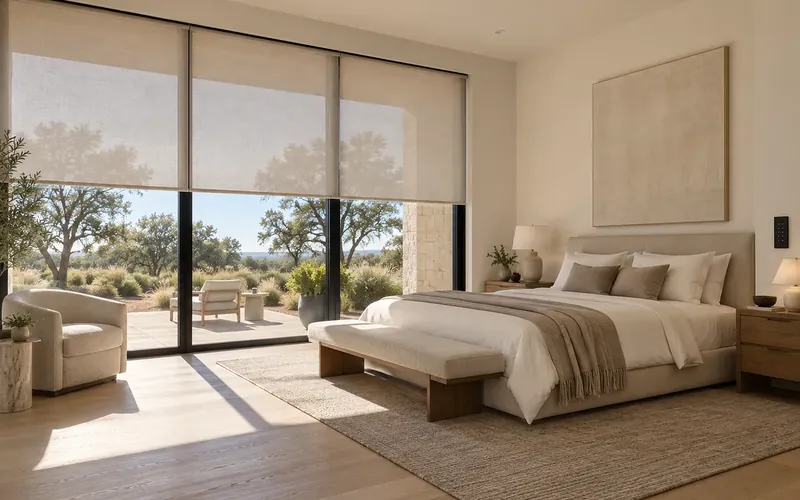
Five ways motorized shades uniquely benefit Texas homes
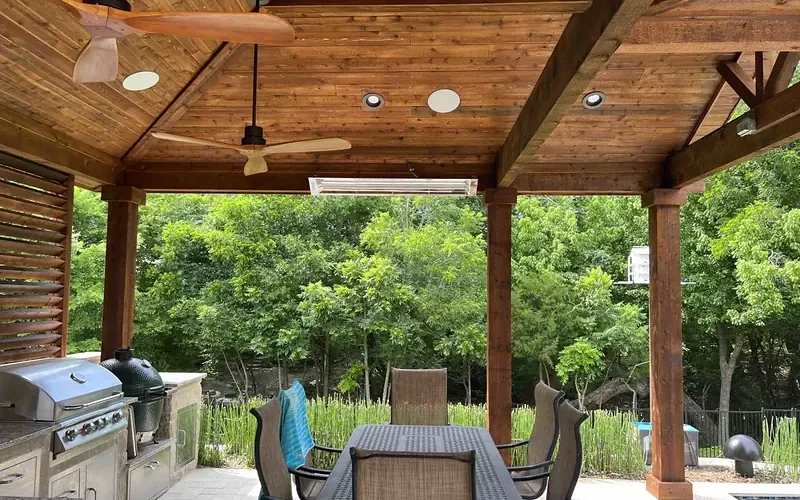
Outdoor audio done right: how many speakers do you really need?
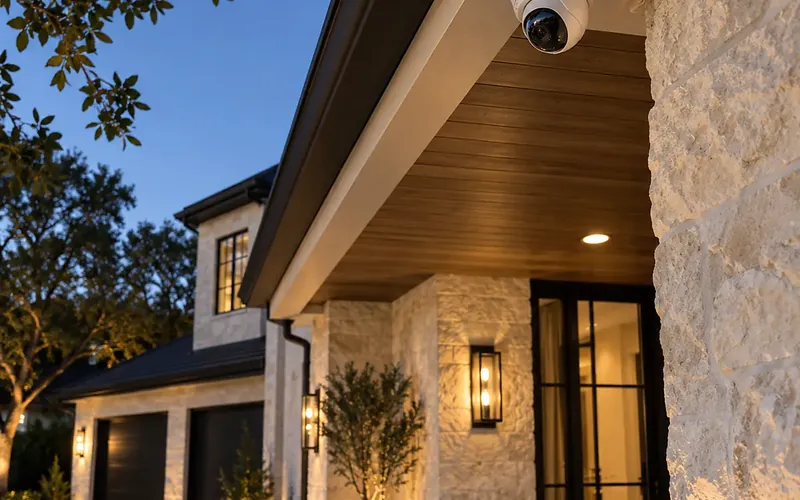
I have a dog. That's enough security, right?
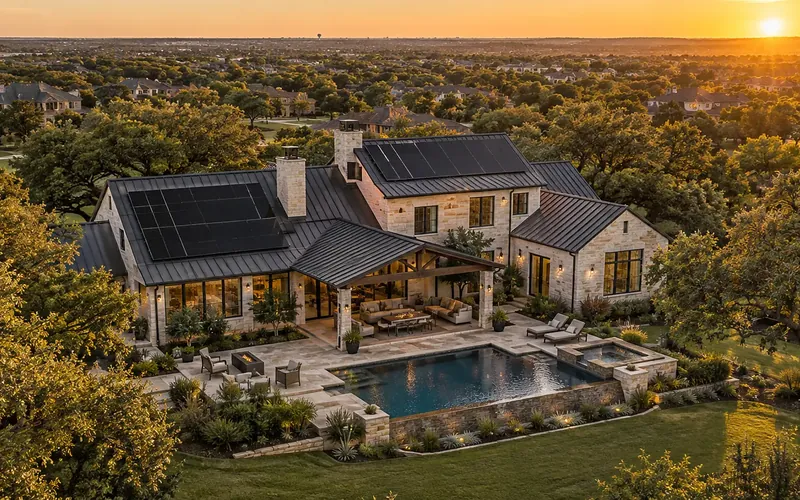
The beginner's guide to energy management for Texas homeowners
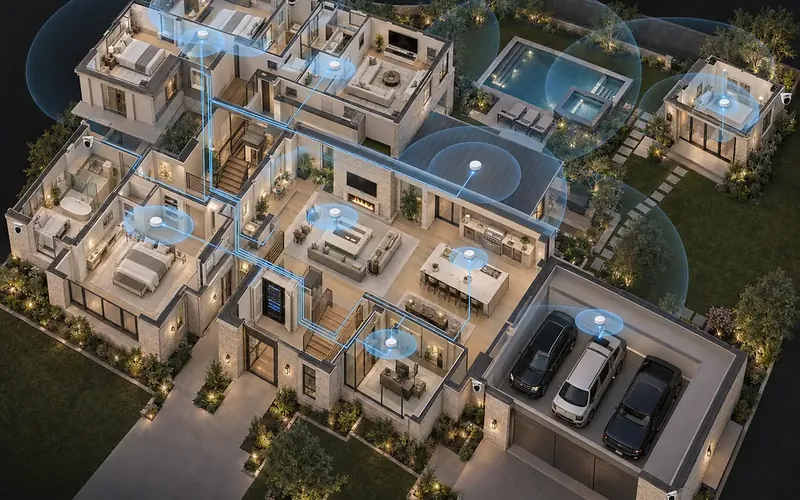
Don't count wired out: when hybrid home networks work best
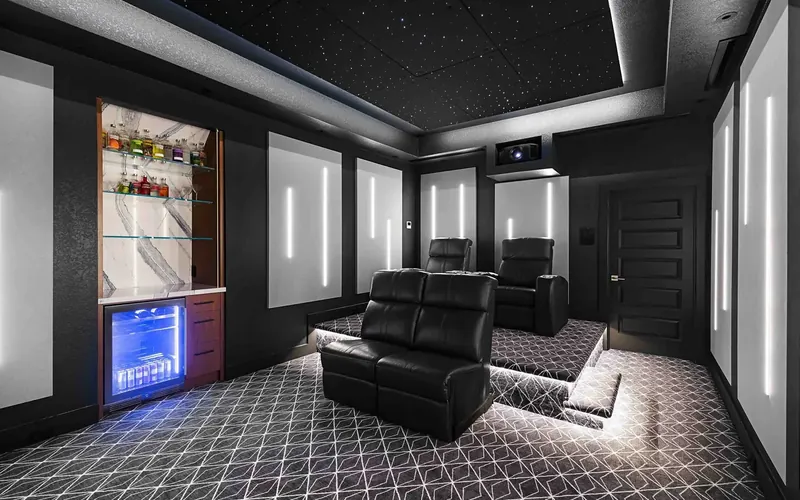
4 critical areas to consider in a home theater design
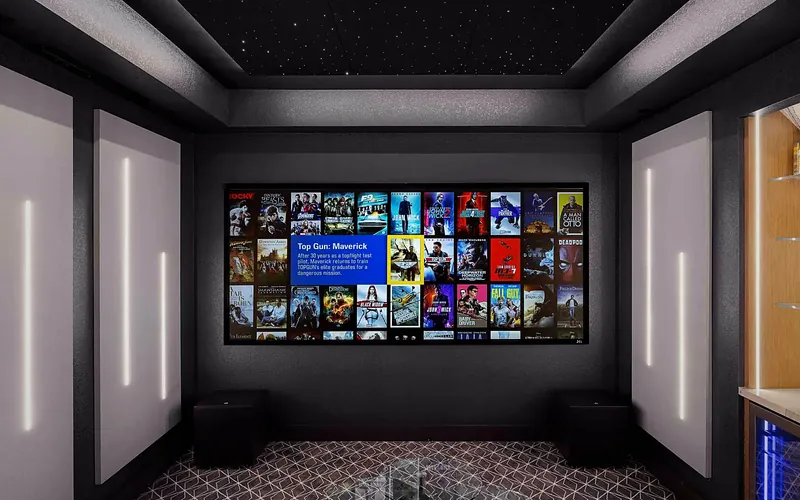
Why hire a professional for your home theater installation
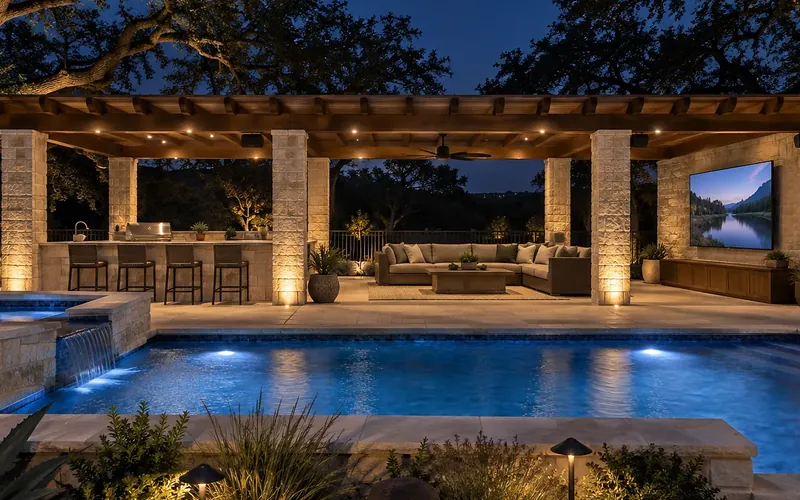
Why your backyard needs a proper outdoor TV installation
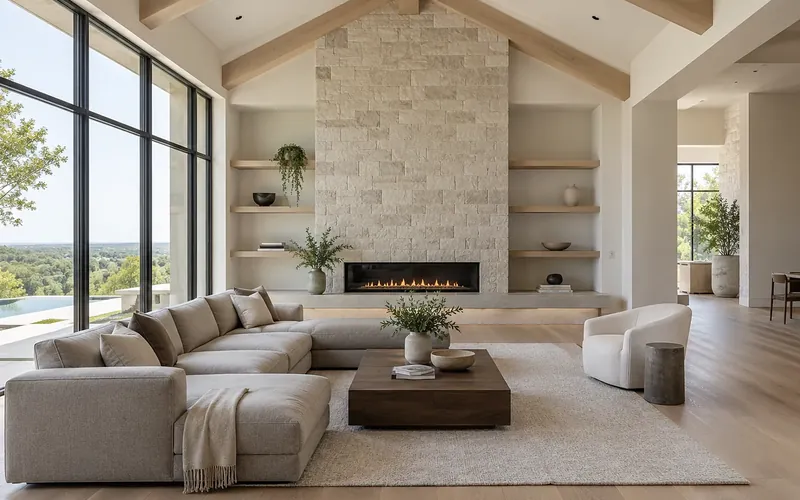
Is it time to upgrade your lighting? Five signs the answer is yes

Music and light: the two systems that decide how a restaurant feels
Ready for technology that simply works?
Design, installation and support by one team in Allen, serving Dallas-Fort Worth since 2019.